Disclosure: Our experts test apps for security before recommending them. If you buy through our links, we may earn a commission. See how it works.

With FireStick, you have plenty of free apps for sports, movies & live TV. However, sometimes, built-in media players don’t provide the desired streaming experience.
That’s where external video players come in. In fact, some third-party/unofficial movie apps only work with external media players.
For example, you need Bear Player for BeeTV, Drama Player for HDO Box, and AMPlayer for Movie HD. In this blog, I have put together a list of the best media players for FireStick.
To ensure everything works smoothly, we update the Downloader codes and APK links every week (last updated on 1 July, 2026).
Before exploring the complete list, check out the top FREE video players for this week:
- Bear Player (9480481)
- Drama Player (8440383)
- NV Player (4072304)
- VLC Player (2317962)
- AMPlayer/Pro Player (9294049)
Note: If any of the APK links/downloader codes mentioned above or below do not work, please use our Downloader code 730116 or Best Downloader Codes List to install the specific app(s).
Please note that most media players are either unavailable on Amazon Appstore or used with third-party apps, so you must use a quality VPN with them for better online security. Surfshark is our #1 choice.
Our Recommended VPN - Surfshark

WARNING! Amazon Monitors Your Fire TV Stick!
Yes, It’s True! Without Proper Encryption, your IP Address is Exposed, and Whatever you Stream on FireStick is 'Being Tracked'.
This can lead to:
- Blocking of the FREE Third-Party Apps
- Exposure of your Personal data to hackers, ISPs, and even the authorities
But There’s a Solution - ‘Surfshark VPN’
Save 87% + Get 3 Extra Months FREE with Surfshark VPN [Limited Time Offer]
This Includes:
✅ VPN for just $0.06/day!
✅ Strongest Encryption (i.e.256-Encryption)
✅ 3,200 servers in 100+ server locations
✅ Kill Switch Feature for FireStick users
✅ Data Breach Alerts.
✅ Unlimited Device Connections.
✅ 30-day money-back guarantee.

Best Media Players for FireStick at a Glance [Ratings Table]
Here’s a quick comparison of the top video player apps on FireStick:
| Media Player | Rating ⭐ |
|---|---|
| Bear Player | 4.2/5 |
| VLC Player | 4.7/5 |
| AMPlayer | 4.3/5 |
| MX Player | 4.6/5 |
| TPlayer | 4.2/5 |
| XYZ Player | 4.1/5 |
| NVPlayer | 4.0/5 |
| HB Player | 4.3/5 |
| MV CastPlayer | 3.9/5 |
| Wuffy Player | 4.4/5 |
| Titan Player | 4.2/5 |
| Yes Player | 4.0/5 |
| GO Player | 4.1/5 |
| Drama Player | 4.3/5 |
| BPlayer | 4.2/5 |
| Lime Player | 4.1/5 |
Best Media Players for FireStick [Downloader Codes, Links]
Finding the right video player can enhance your FireStick experience. In this list, we cover the best free media players that support a wide range of formats.
When using media players with third-party apps, don’t forget to install and use SurfShark VPN on FireStick to add an extra layer of protection to your online security.
1. Bear Player
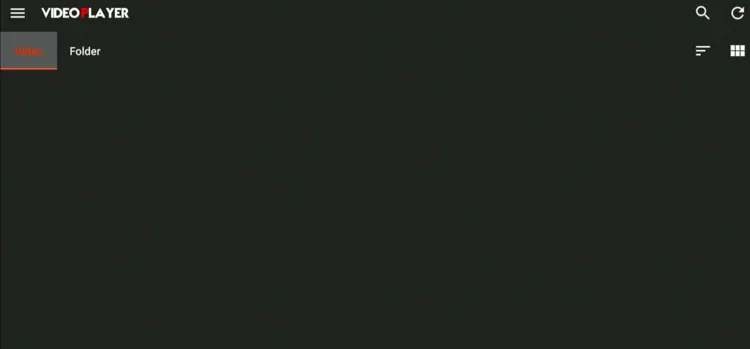
Bear Player (not to be confused with BPlayer) is a free video player. The app supports multiple video formats, including MP4, MKV, MOV, and WMV.
To enhance accessibility, Bear Player lets you customize subtitles. That’s why apps like FilmPlus and BeeTV work with Bear Player
- Bear Player Downloader Code: 9480481
- Bear Player APK Link: https://tinyurl.com/5atdx7z7
Read More: How to Install Bear Player on FireStick
2. VLC Player
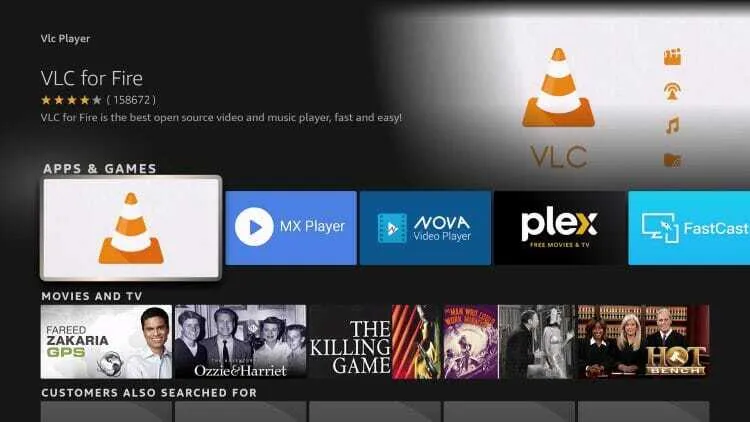
For a long time, VLC Player has remained a go-to media player for FireStick users. It offers broad format support such as MPEG-4, H.264, MPEG-2, MKV, WebM, and WMV.
The player automatically adjusts audio and video playback to suit the specifications of your device, which ensures an optimal viewing and listening experience.
- VLC Player Downloader Code: 2317962
- VLC Player APK Link: https://tinyurl.com/mux77jv5
Read More: How to Install VLC Player on FireStick
3. AMPlayer/Pro Player
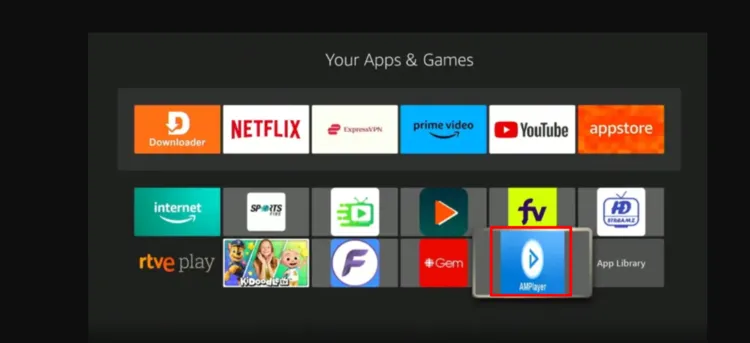
AMPlayer (also known as Pro Player) is a free media player that can be used with some of the best movie apps for FireStick, such as Movie HD and Rapid Streamz.
It lets you play videos in different formats like MP4, AVI, MKV, and FLV.
- AMPlayer/Pro Player Downloader Code: 1681265
- AMPlayer/Pro Player APK Link: https://tinyurl.com/5sxah9ev
Read More: How to Install AMPlayer on FireStick
4. MX Player
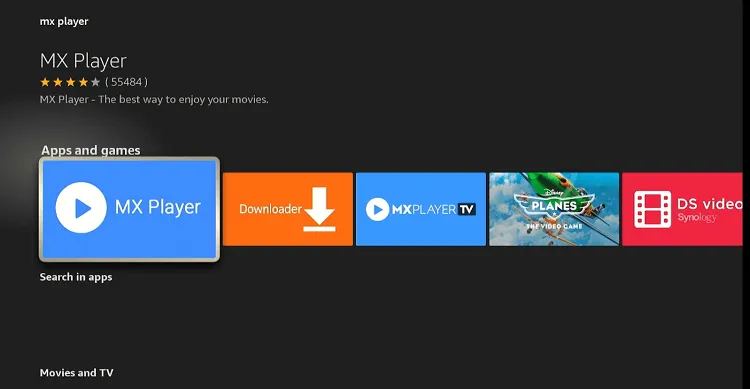
For FireStick users, MX Player offers a powerful yet user-friendly media solution. It can play almost any video format you throw at it for free.
With controls for sync, font, and color, plus a clean layout, it’s easy to use for everyone.
- MX Player Downloader Code: 5592098
- MX Player APK Link: https://tinyurl.com/yu9d3y9b
Read More: How to Install MX Player on FireStick
5. TPlayer
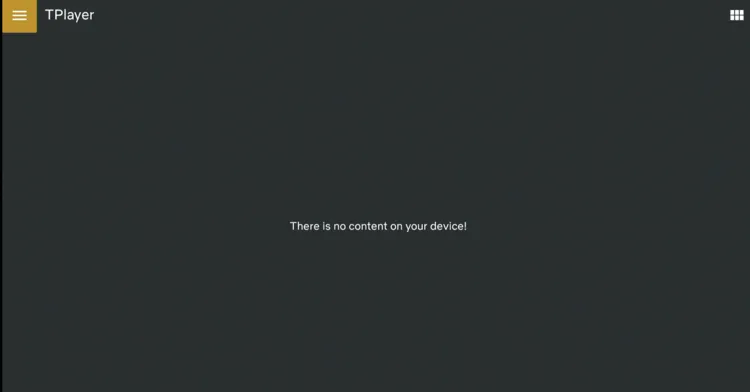
TPlayer is a robust media player app that’s available for free. It supports a diverse range of media formats, which makes it versatile for any user.
The app supports various subtitle files (such as SRT, SUB, and SSA) to enhance your viewing experience.
- TPlayer Downloader Code: 9260897
- TPlayer APK Link: https://tinyurl.com/yc2z5jr9
Read More: How to Install TPlayer on FireStick
6. XYZ Player

XYZ Player has gained popularity for its support across various FireStick streaming apps such as Rapid Streamz and Ocean Streamz.
The app features a clean layout, light and dark modes, and is completely free to use.
- XYZ Player Downloader Code: 5368754
- XYZ Player APK Link: https://tinyurl.com/4x7uv3dr
Read More: How to Install XYZ Player on FireStick
7. NVPlayer
NVPlayer is a free media player that does not host any content itself, but supports a wide range of video formats and resolutions.
It also offers robust subtitle support, allowing users to load subtitle files in multiple languages. You can use it as an external player with many unofficial movie apps like BeeTV.
- NVPlayer Downloader Code: 8576593
- NVPlayer APK Link: https://tinyurl.com/2tyb4dab
Read More: How to Install NVPlayer on FireStick
8. HB Player
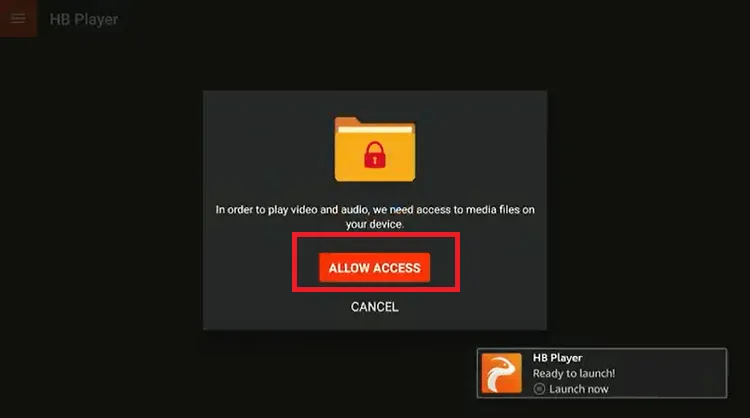
Known for HD and 4K playback, HB Video Player is a free video player that provides a smooth streaming experience.
It includes features like subtitle support, screen fit, auto-rotate, and supports popular video formats, including AVI, MP4, MOV, and M2TS.
- HB Player Downloader Code: 5972343
- HB Player APK Link: https://tinyurl.com/4ku968kk
Read More: How to Install HB Player on FireStick
9. MV CastPlayer
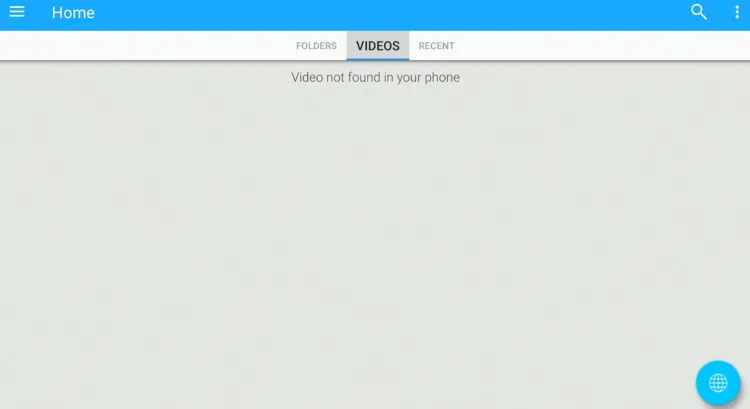
MV CastPlayer is a free multimedia player for various devices, including FireStick. You can integrate this player with many popular streaming APKs, such as SportsFire, and StreamFire.
However, unlike VLC Player and MX Player, MV CastPlayer doesn’t offer an ad-free experience.
- MV CastPlayer Downloader Code: 5213606
- MV CastPlayer APK Link: https://tinyurl.com/2tfab62d
Read More: How to Install MV CastPlayer on FireStick
10. Wuffy Player
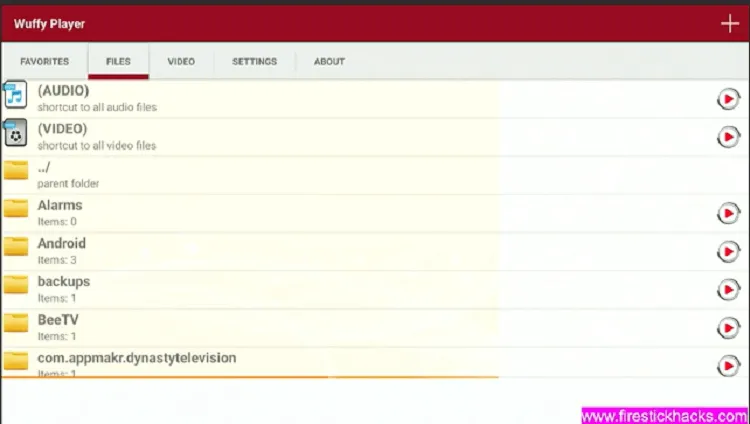
For the popular live TV and sports app 1Pix Media, Wuffy Player is a must-have because the app relies on it to play live channels.
Without it, many streams don’t load or play at all, which is why users are prompted to install Wuffy Player before streaming.
- Wuffy Player Downloader Code: 7438191
- Wuffy APK Link: https://tinyurl.com/mpmw2f6y
Read More: How to Install Wuffy Player on FireStick
11. Titan Player
With its capability to handle media from local storage and content streamed online via URLs, Titan Player offers a flexible and convenient solution to access a wide range of content on FireStick.
Notably, Titan Player supports high-quality video resolution in HD and 4K. It also includes convenient features like one-tap 10-second rewind and fast-forward.
- Titan Player Downloader Code: 7479693
- Titan Player APK Link: https://tinyurl.com/yt932rc2
Read More: How to Install Titan Player on FireStick
12. Yes Player
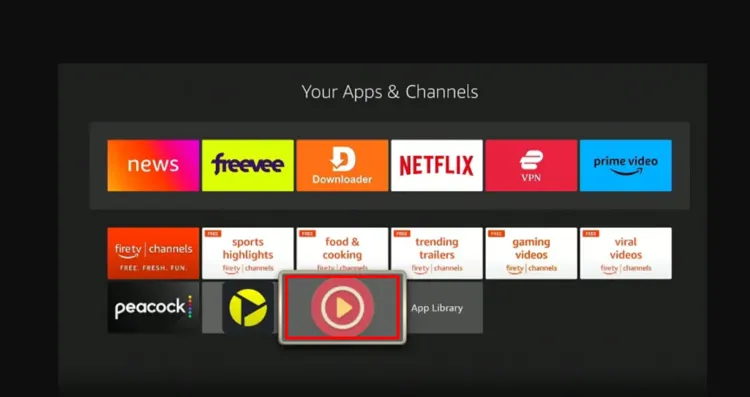
Yes Player is a media player app designed to stream videos with subtitles. It is completely free to use.
The app is not available on the Amazon Appstore. You will have to sideload it using the Downloader app.
- Yes Player Downloader Code: 7326812
- Yes Player APK Link: https://tinyurl.com/45hxfkme
Read More: How to Install Yes Player on FireStick
13. Go Player
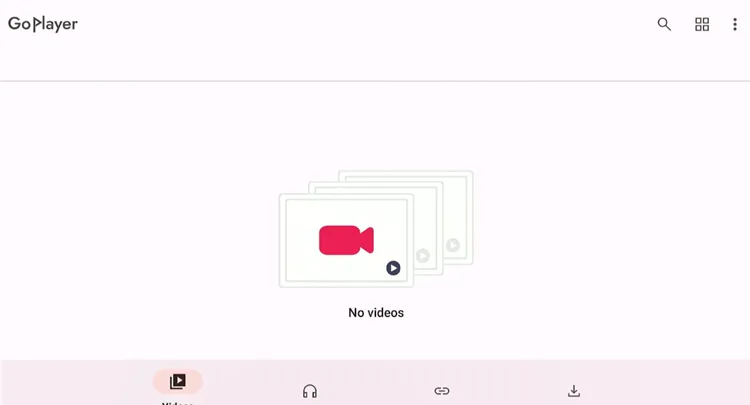
Go Player functions as a dedicated external video player for Android and FireStick devices. Many third-party streaming applications like TVMob and TVTap Pro rely on this tool.
- GO Player Downloader Code: 3699745
- GO Player APK Link: https://tinyurl.com/yc7886vu
Read More: How to install Go Player on FireStick
14. Drama Player
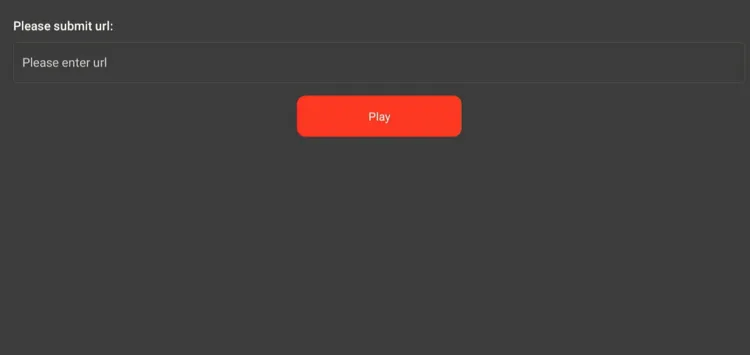
Drama Player is a must-have player for HDO Box. It offers support for diverse video formats and subtitles.
Its latest update features Smart Buffer Control, which means it can adapt buffering in real-time to your internet speed.
- Drama Player Downloader Code: 8440383
- Drama Player APK Link: https://tinyurl.com/392k2dm3
Read More: How to Install Drama Player on FireStick
15. Bplayer
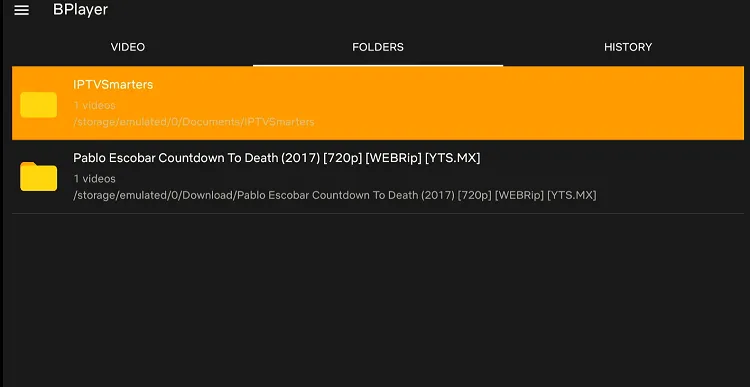
BPlayer is a media player that has become popular among FireStick users for its versatility and user-friendly interface.
This free app supports multiple media formats, including MP4, AVI, MKV, and MOV, making it a convenient choice for users with diverse media libraries.
- BPlayer Downloader Code: 9137582
- BPlayer APK Link: https://tinyurl.com/bdfje3pd
Read More: How to Install BPlayer on FireStick
16. Lime Player
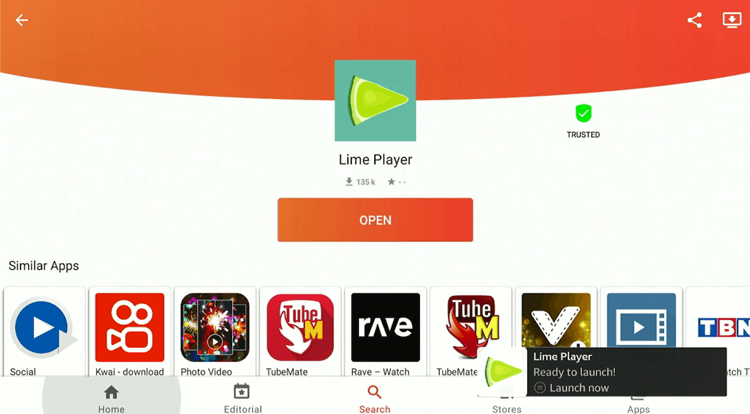
Lime Player operates as a versatile third-party video playback engine on FireStick devices. The application offers extensive format support for modern media consumption.
The player handles various video file types seamlessly. It plays MP4, MKV, and AVI formats perfectly.
- Lime Player Downloader Code: 7920157
- Lime Player APK Link: https://tinyurl.com/5akk84av
Read More: How to Install Lime Player on FireStick
Trouble Using Media Players on FireStick? Try These Fixes
If you’re having issues using video players on FireStick, try these quick fixes to smooth things out:
- Clear app cache
- Restart FireStick
- Close background apps
- Connect FireStick via Ethernet
- Set video resolution to 1080p/4K
FAQs – Best FireStick Media Players
Do I need a media player for FireStick?
Some third-party streaming apps only work with external players. However, video players generally improve compatibility & playback quality.
Are FireStick media players free to use?
Yes, almost all the top media players like VLC, Drama Player, MX Player, and Bear Player are completely free.
Can I install media players from Amazon Appstore?
While some players like VLC and MX are available on the Appstore, most of them must be sideloaded using Downloader.
What formats do FireStick media players support?
Most support formats like MP4, MKV, AVI, MOV, and FLV.
Do media players store or host content?
No, media players only play content; they do not host or store any videos.
Summing Up
Regardless of how good a streaming app may be in terms of hosting quality links, your viewing experience still heavily depends on choosing the right media player.
A good app will handle high-quality streams and complex file formats smoothly. We recommend testing a few different options from our list to find the perfect match for your specific viewing habits.
That said, most video players are either unavailable on Amazon Appstore or used with third-party apps, so you must use a quality VPN like Surfshark with them for better online security.