Disclosure: Our experts test apps for security before recommending them. If you buy through our links, we may earn a commission. See how it works.


2 Ways to Watch Golf on FireStick
The following 2 methods will let you catch literally every golf match under the sun live from all over the world for FREE:
How to Watch Golf on FireStick Using Downloader App
Despite being a new app, FalconCast has become one of the best sports apps for FireStick. Among other major sports, it also lets you watch almost all popular golf events for free.
The app is ad-free and also provides highlights for selected matches. However, don’t forget to install and use SurfShark VPN on FireStick to hide your IP address when using FalconCast TV or any other third-party app.
Follow the steps below:
Step 1: Turn ON your FireStick device and Go to FireStick Home

Step 2: Click on the Settings icon
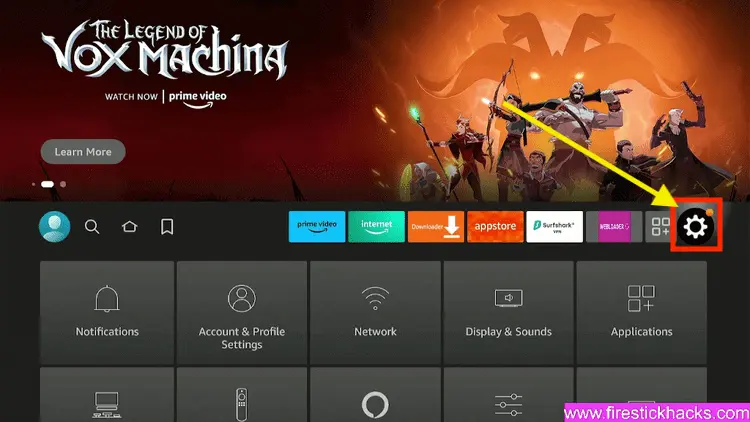
Step 3: Select the My Fire TV option

Step 4: To enable the Developer Option, click About.
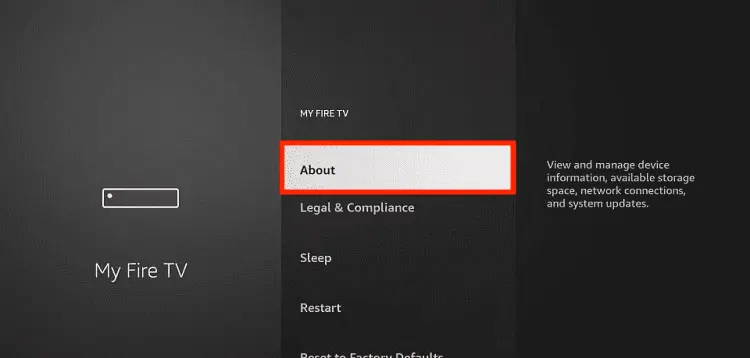
Note: If you have already enabled the Developer Option, then proceed to Step 10
Step 5: Click on the Fire TV Stick option quickly at least 7 times

Step 6: Now you will see this message at the bottom saying "No need, you are already a developer". So stop clicking then

Step 7: Now the Developer Option will appear in the menu so click on it
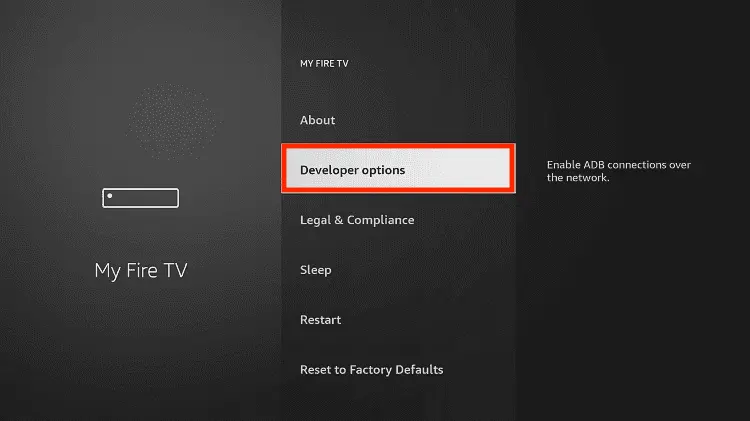
Step 8: Choose Apps from Unknown Sources to turn it ON

Step 9: Simply click Turn On

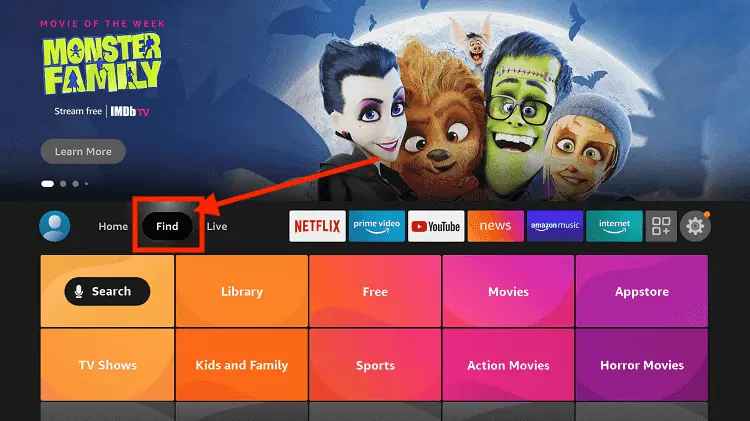
Step 10: Now return to the FireStick Home menu by pressing the "Home" icon on the remote and click on Find
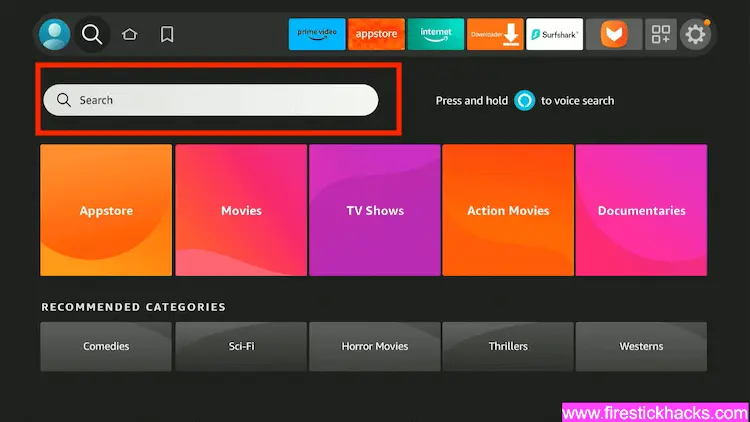
Step 11: Now select the Search icon
Step 12: Type Downloader and press search
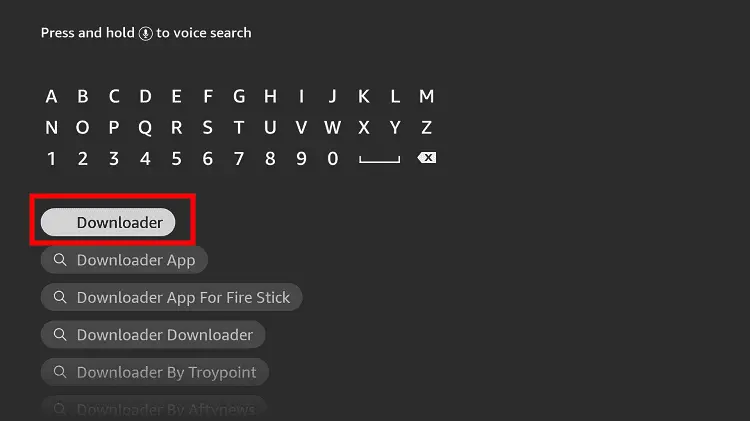
Step 13: Select the Downloader App icon from the list available in the Amazon Store

Step 14: Tap Get/Download
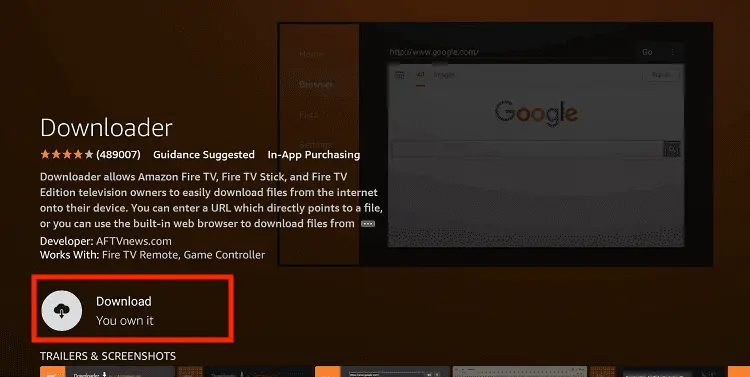
Step 15: Wait for a while until the installation process is completed
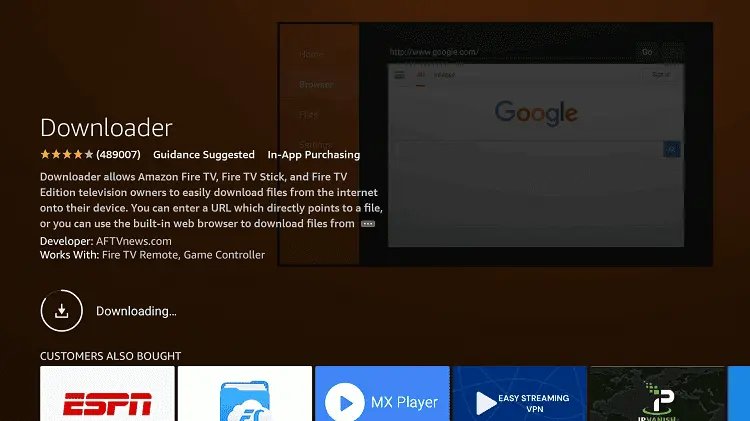
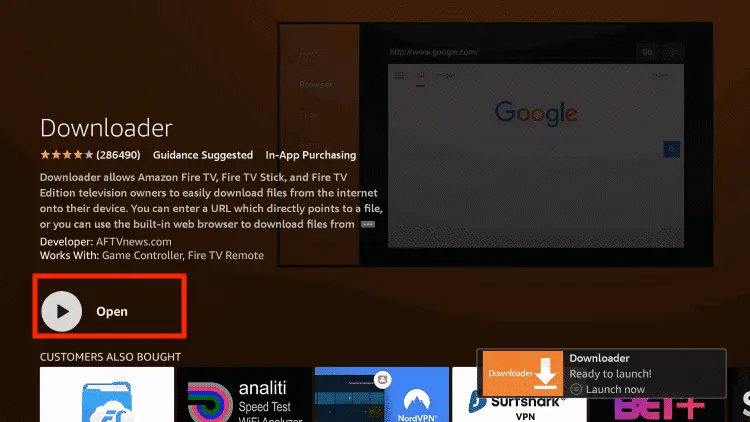
Step 16: Now click Open
Step 17: You will see a popup about Downloader app latest update. Click "OK".

Step 18: Click OK again

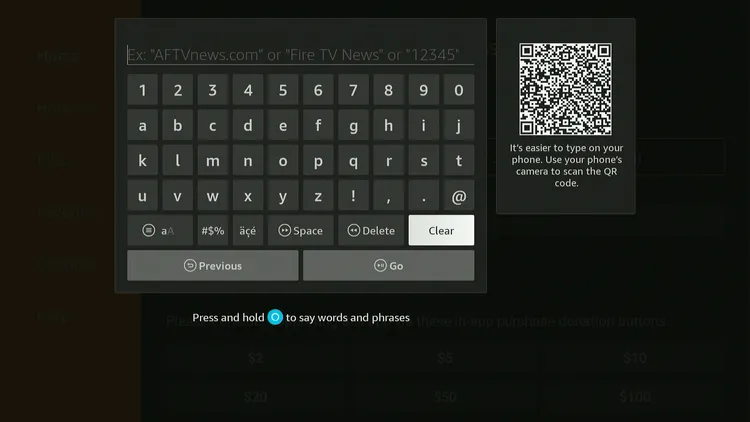
Step 19: This is the Downloader App interface, Click the Search Bar on top

Step 20: Enter FalconCast Downloader Code 730116 in the search box OR enter this URL bit.ly/fsh-downloads and click Go.
Note: The referenced link is the official URL of this app/website. FIRESTICKHACKS does not own, operate, or re-sell any app, streaming site, or service and has no affiliation with its developers.
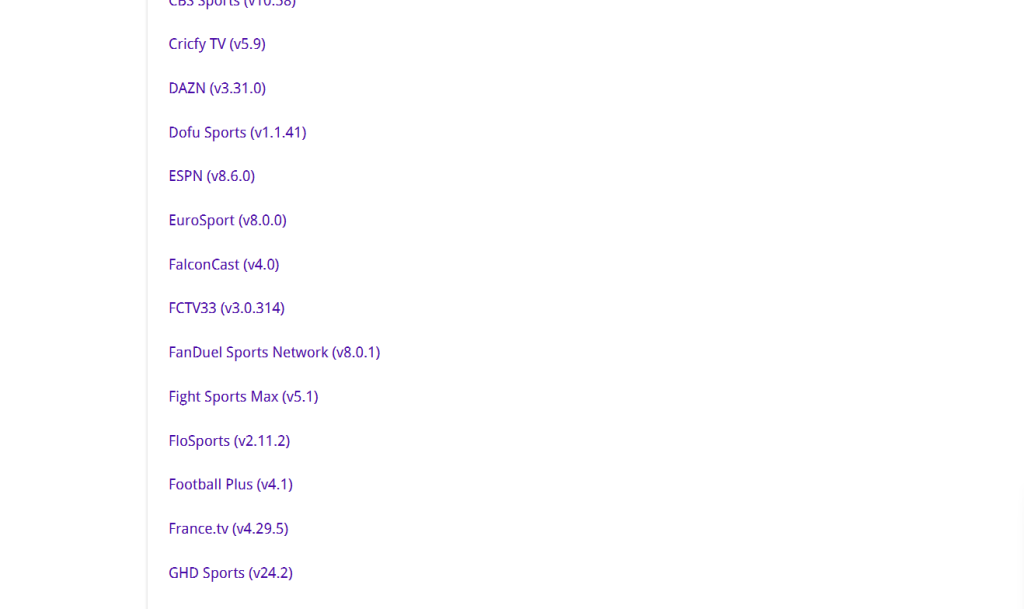
Step 21: Scroll down and click “FalconCast” from the “Sports Apps” category.
Note: If the app does not start downloading, then clear the Downloader App cache using this article.
Step 22: The downloading will start. Once it ends, click “Install”.
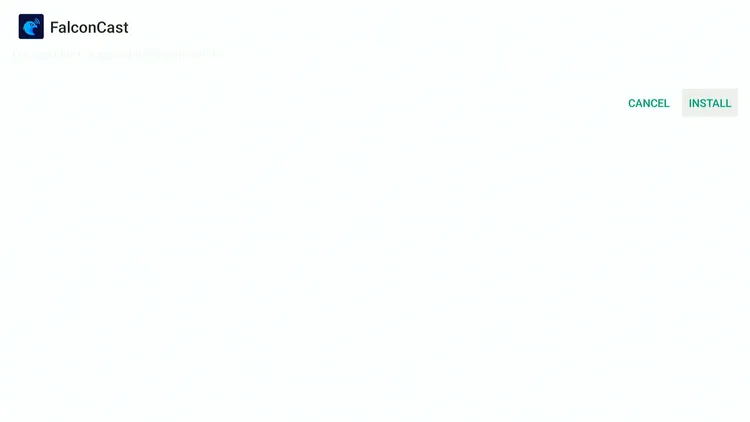
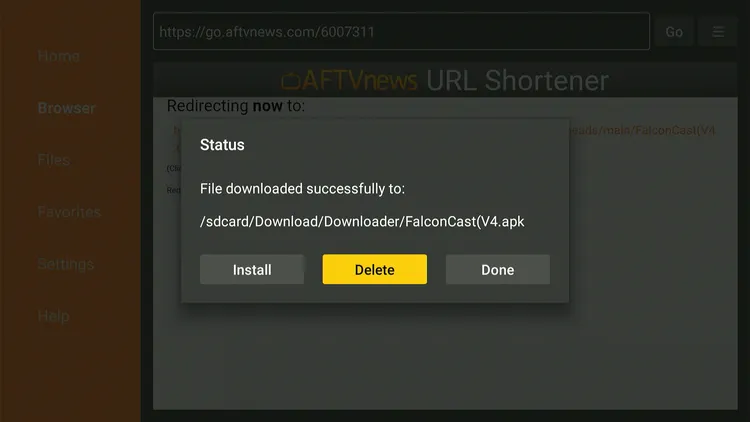
Step 23: Tap the “Done” icon.

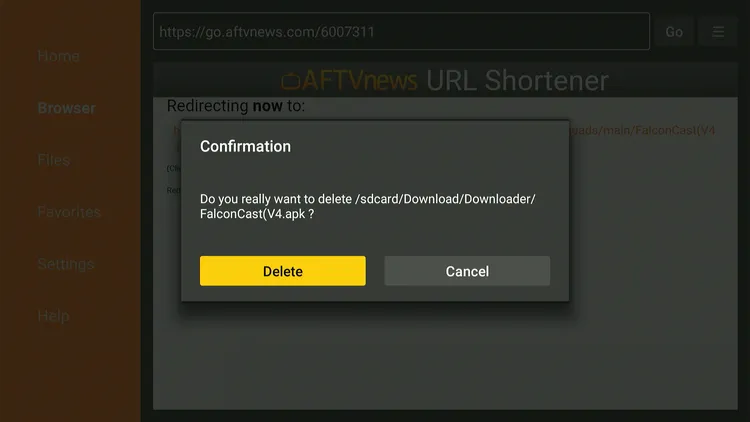
Step 24: Click “Delete” to remove the FalconCast TV APK file from FireStick.
Note: Deleting APK files will free up space on FireStick.
Step 25: Tap “Delete” again to complete the process.
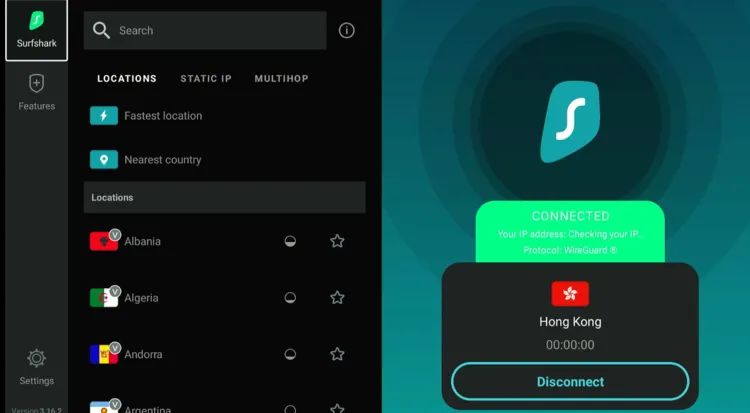
Step 26: Open Surfshark and connect it to the Hong Kong server.
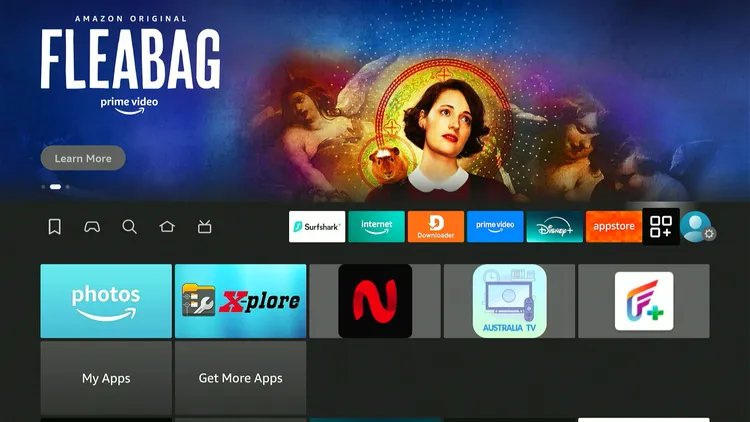
Step 27: Go to the FireStick home and click the “Apps Library” icon in the top right corner.
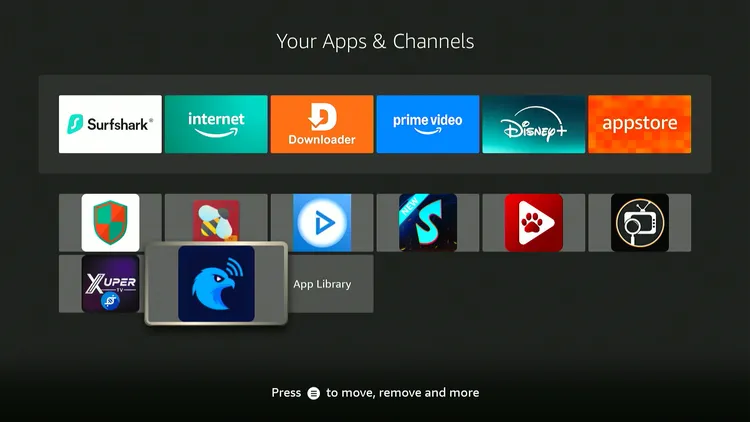
Step 28: Choose the “FalconCast” app from the list.
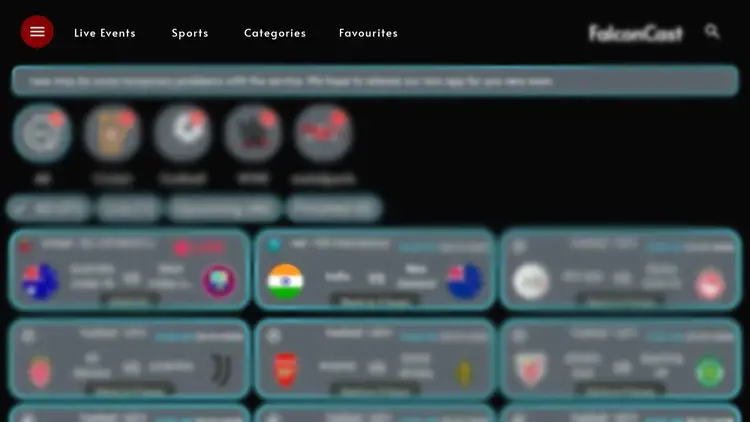
Step 29: You will see live matches on the home screen from multiple sports; select the golf match you want to watch.
P.S. If you can’t find the desired golf match/event on the homescreen, click “Sports” from the top and explore the live TV channels.
Step 30: Enjoy streaming!

How to Watch Golf on FireStick Using a Browser
You can also watch the golf live events on FireStick from all over the world using free sports streaming websites on a browser. I use Amazon Silk Browser.
However, make sure to install and use SurfShark VPN on FireStick because free websites do not broadcast officially and require a VPN to hide your online activity.
P.S. Sometimes, streaming via unofficial websites means dealing with annoying pop-ups. In that case, you can install Brave Browser on FireStick to ensure an ad-free experience.
Follow the steps below:
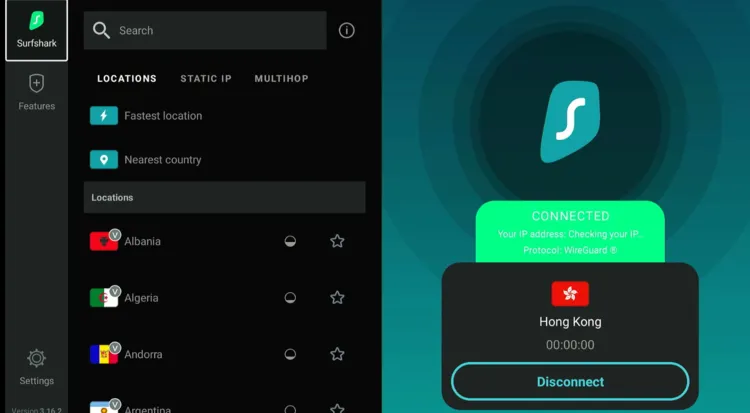
Step 1: Open Surfshark VPN on FireStick and connect it to the Hong Kong server.
Step 2: Go to FireStick Home
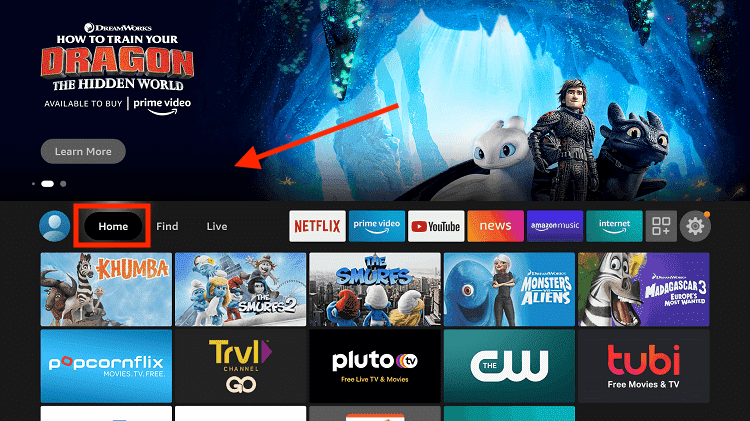
Step 3: Click on the Find tab
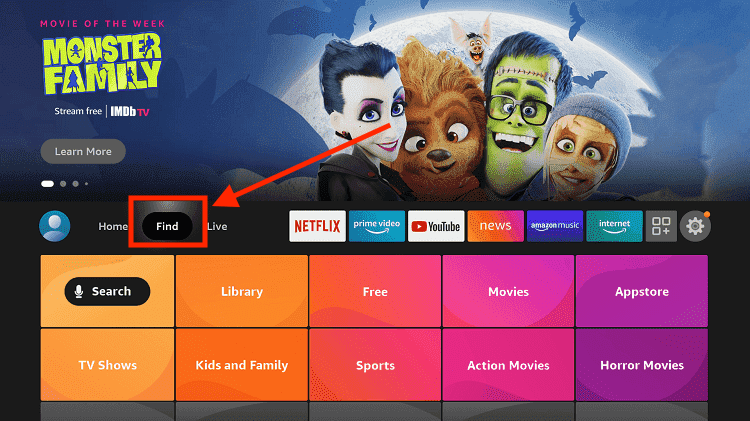
Step 4: Now select the Search option
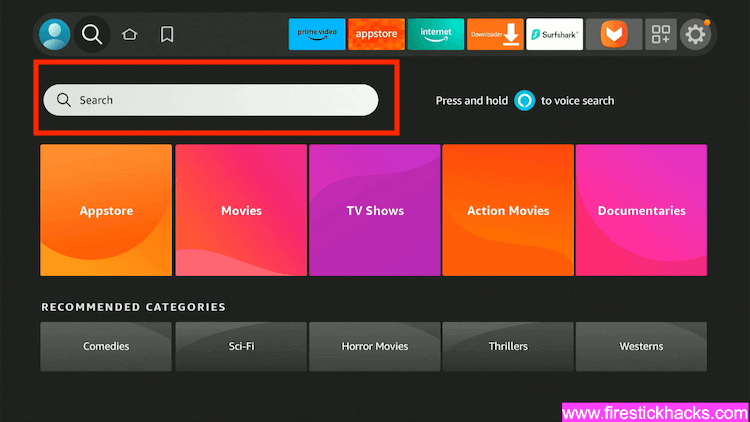
Step 5: Type Internet in the search bar and select from the list
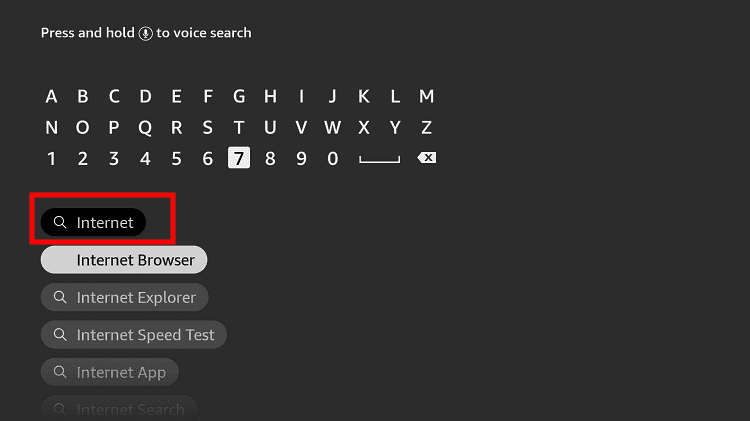
Step 6: Choose the Internet App (Silk Browser) from the given options
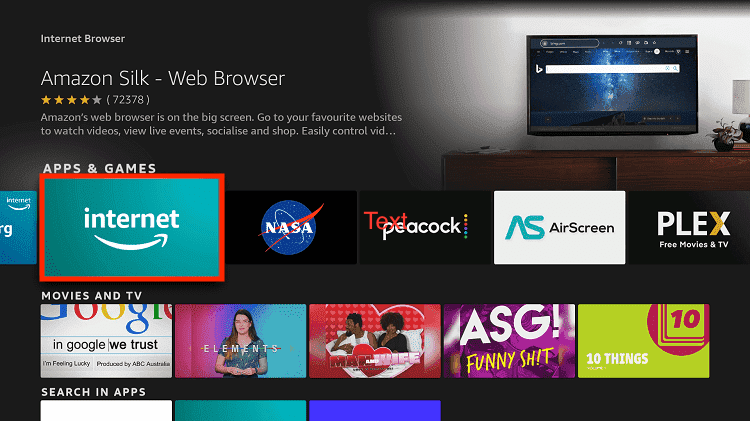
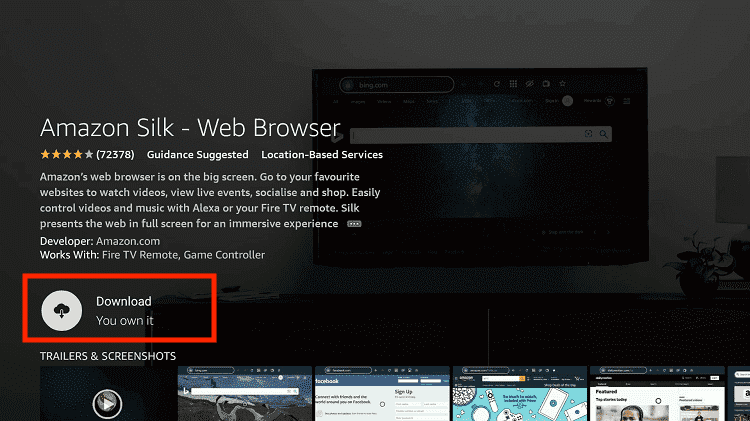
Step 7: Tap the Get/Download button
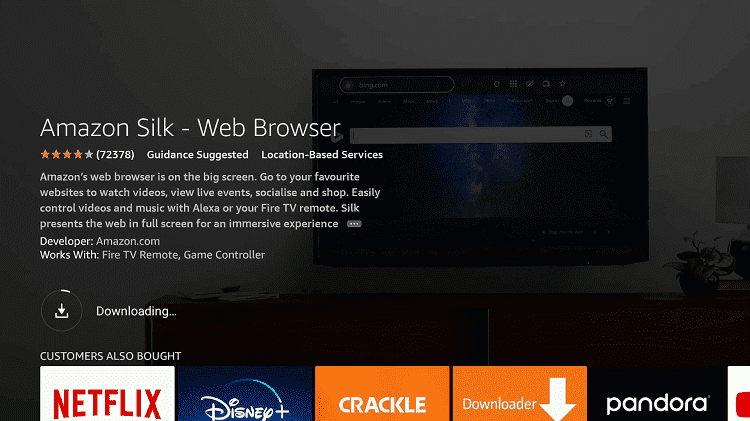
Step 8: Wait until the installation of the browser completes
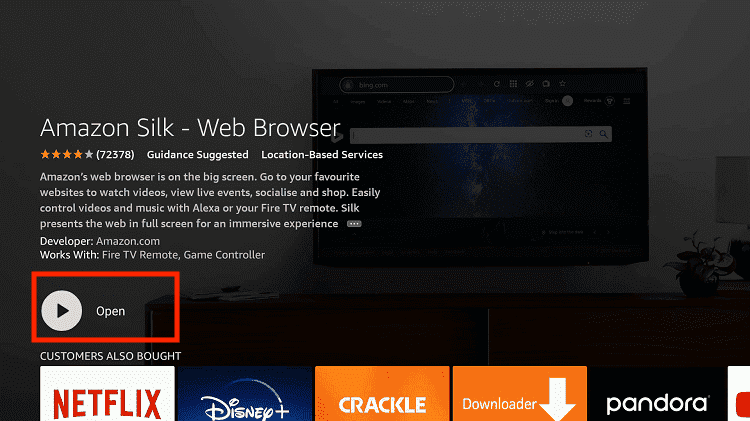
Step 9: Click Open, once the browser is installed.
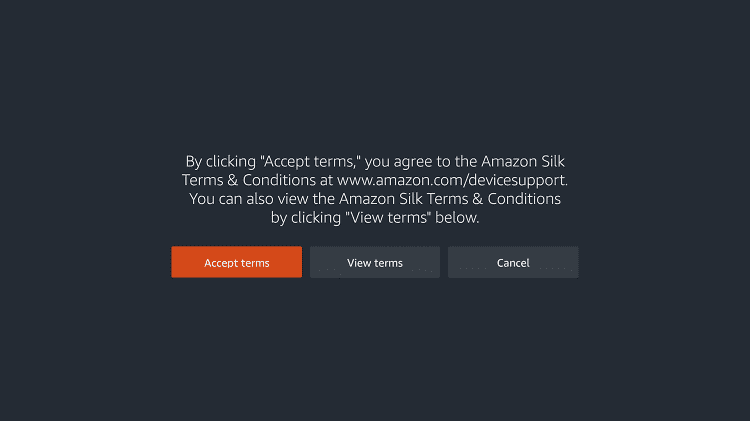
Step 10: Click on Accept Terms to access the browser
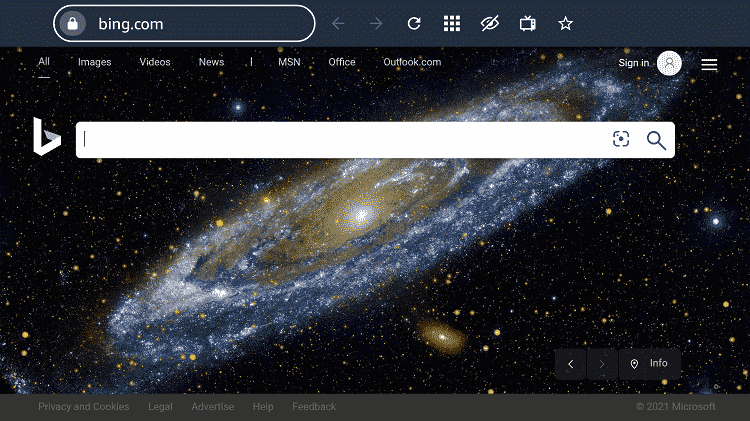
Step 11: When the browser launches, the Bing.com tab will open at first.
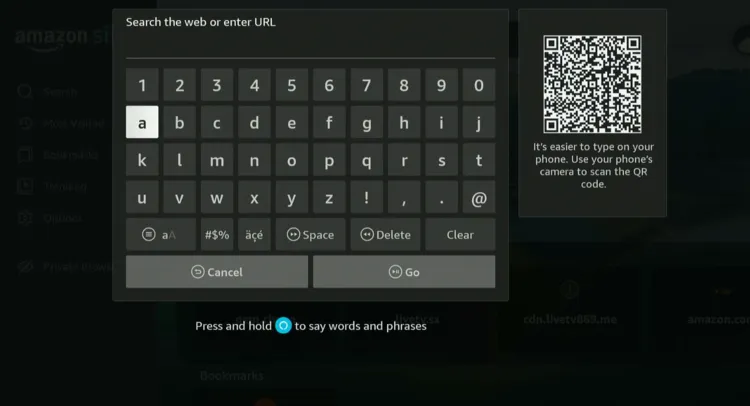
Step 12: Now go back and type sportsbay.dk OR Viprow.nu OR Livetv.sx in the search box and click “GO“.
P.S. Sometimes, some of these websites could be down temporarily.
Step 13: This is the interface of SportsBay.dk; select “Golf”.
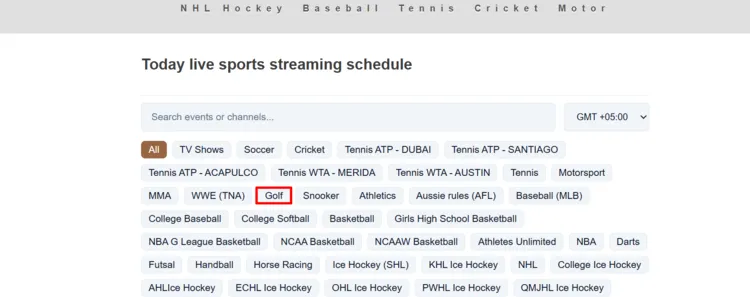
Step 14: You will see a list of golf matches; choose the one from the list.
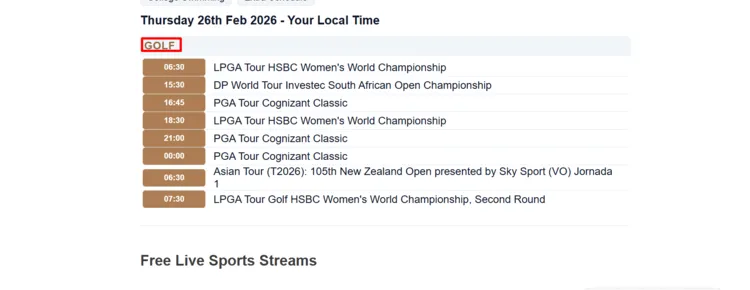
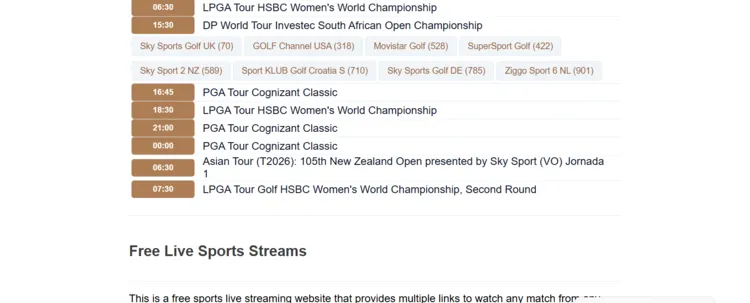
Step 15: Click the streaming link under the match.
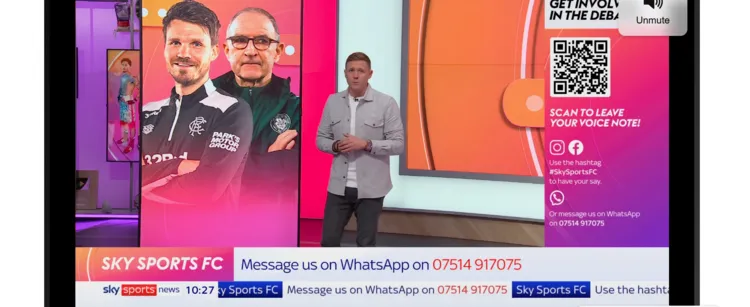
Step 16: Enjoy streaming!
Official Streaming Services/Channels to Watch Golf on FireStick
Official golf streaming apps on FireStick are available in both free and paid options. That said, free apps usually offer limited coverage, while paid services provide more comprehensive access.
Please note that the official apps are geo-restricted to specific countries, so don’t forget to use Surfshark VPN when using these apps outside of their supported regions.
Free
- ITVX & BBC iPlayer (UK)
- 7plus (Australia)
- Tubi TV & Pluto TV (US)
Paid
- Peacock, Paramount+ & ESPN+ (United States)
- Sky Sports Golf (UK)
- TSN (Canada)
- Kayo Sports (Australia)
- DAZN (Various countries)
- SuperSport (SA)
How to Watch Golf Highlights on FireStick
Other Sports to Watch on FireStick [Free]
If you’re done watching golf for a day, check out other sports on FireStick:
FAQs – Golf
Conclusion
2026 is going be an action-packed golf calendar with events like the Golf Masters, the U.S. Open (Golf), the PGA Championship, and the Open Championship.
FireStick gives you the option to watch every golf match live, thanks to free apps like PLAYFy TV, FalconCast, SportzX, and MaxLiv TV.
Don’t forget to use a reliable VPN like Surfshark to enjoy uninterrupted, secure streaming of all the golf action from anywhere in the world.





There is absolutely no golf on this apk.
Follow the browser method its working. We will update golf games app soon