Disclosure: Our experts test apps for security before recommending them. If you buy through our links, we may earn a commission. See how it works.

Premier Sports is a UK and Ireland-based premium sports network with multiple channels, including Premier Sports 1, Premier Sports 2, and Premier Sports Extra.
It covers sports events like La Liga, Champions Cup, NHL & NASCAR. The service starts with a plan as low as £17.99/mo.
It’s also available through TV providers like Sky, Virgin TV, and STV Player+. However, you can also watch Premier Sports for FREE via unofficial apps like TFlix, AK47 Sports, and Cinema HQ.
However, please keep in mind that official apps are geo-restricted, and unofficial ones stream links from unverified sources.
However, please keep in mind that official apps are geo-restricted, and unofficial ones stream links from unverified sources. So be sure to use a VPN. Surfshark is our #1 choice.
🛡️ VPN RECOMMENDATION
Our Recommended VPN - Surfshark
Your ISP sees every stream. Unverified apps expose your IP. Fix both in under 2 minutes.
🔒 30-day money-back guarantee • $0.06/day

2 Ways to Watch Premier Sports on FireStick [Free & Paid]
I have mentioned 2 tried-and-tested methods to watch Premier Sports on FireStick from anywhere in the world for free:
- Watch Premier Sports on FireStick [Free, Unofficial]
- Watch Premier Sports on FireStick [Paid, Official]
How to Watch Premier Sports on FireStick [Free, Unofficial]
You can watch Premier Sports for free via TFlix. However, this app is not listed on Amazon Appstore, you will have to sideload it using the Downloader app.
Just a heads-up, downloading apps from third-party sources could be risky. For added security, it is advisable to install and use SurfShark VPN on FireStick.
P.S. If TFlix goes down or stops working, use TFlix alternatives.
Follow the steps below:
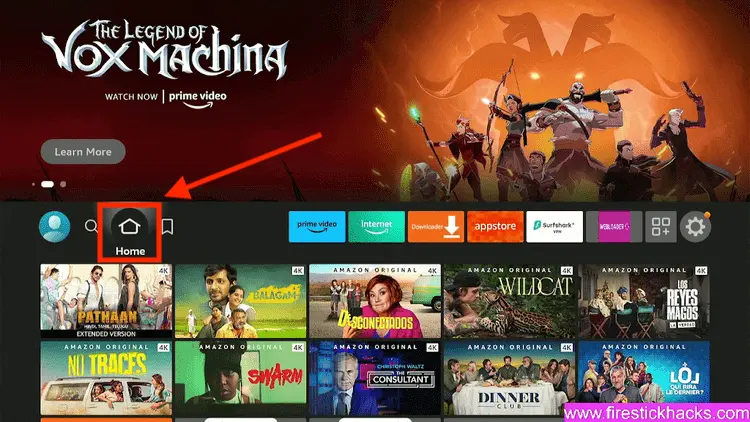
Step 1: Turn ON your FireStick device and Go to FireStick Home
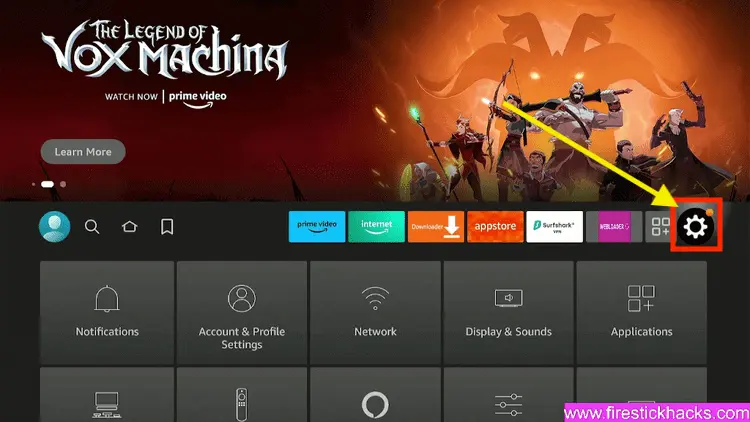
Step 2: Click on the Settings icon
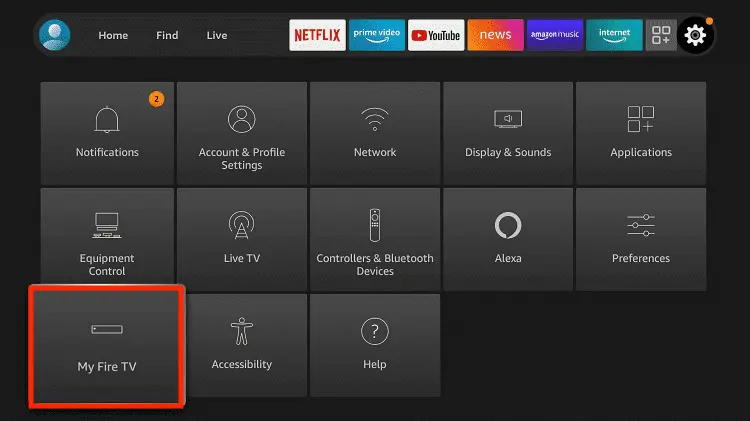
Step 3: Select the My Fire TV option
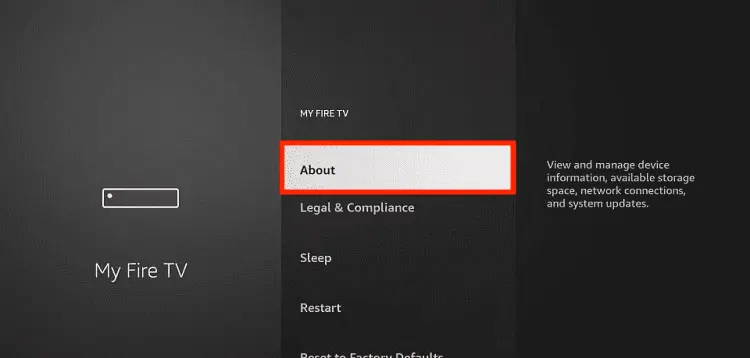
Step 4: To enable the Developer Option, click About.
Note: If you have already enabled the Developer Option, then proceed to Step 10
Step 5: Click on the Fire TV Stick option quickly at least 7 times
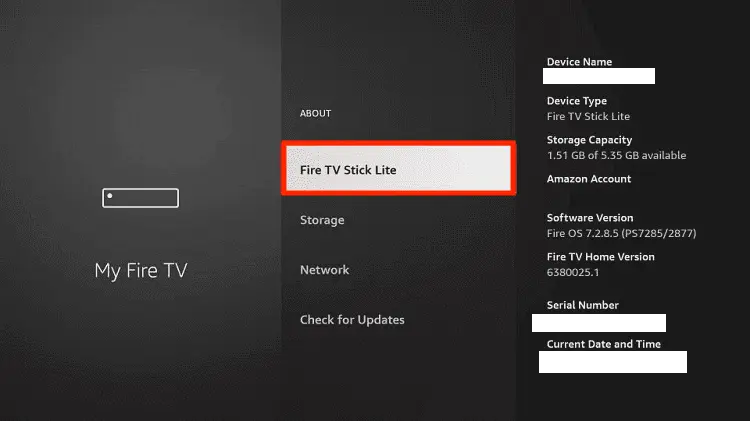
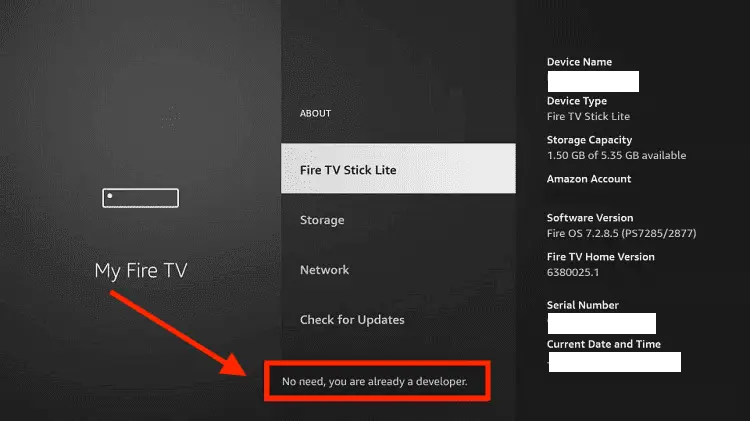
Step 6: Now you will see this message at the bottom saying "No need, you are already a developer". So stop clicking then
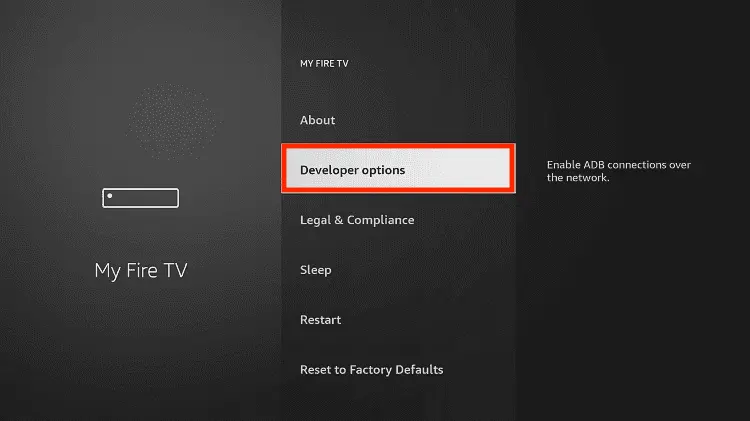
Step 7: Now the Developer Option will appear in the menu so click on it
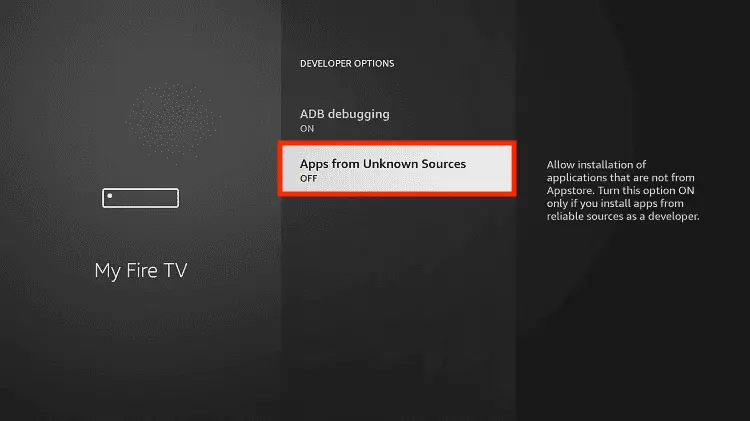
Step 8: Choose Apps from Unknown Sources to turn it ON
Step 9: Simply click Turn On
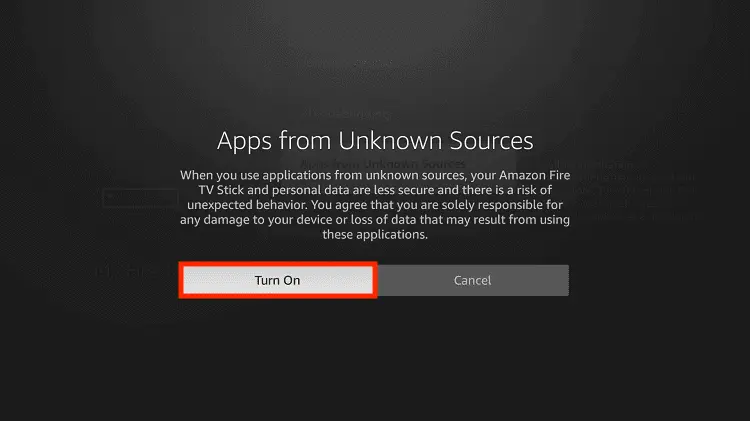
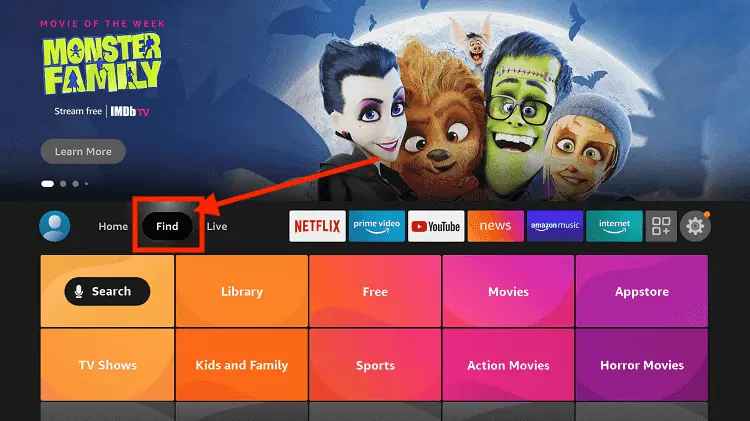
Step 10: Now return to the FireStick Home menu by pressing the "Home" icon on the remote and click on Find
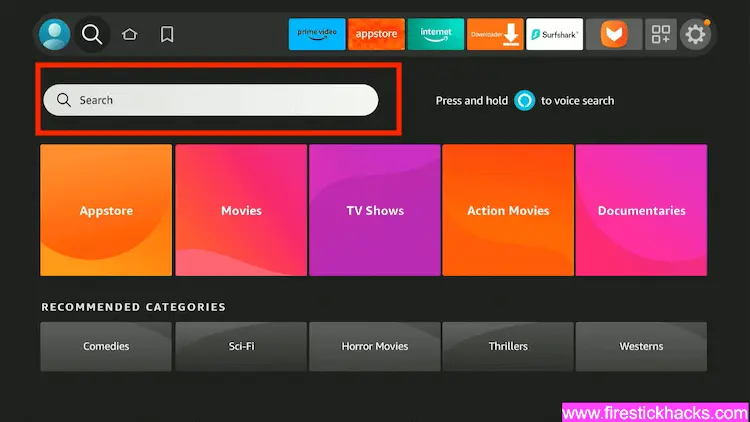
Step 11: Now select the Search icon
Step 12: Type Downloader and press search
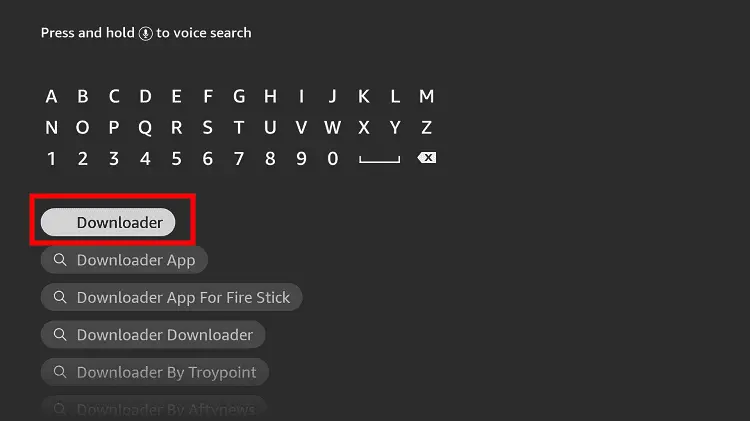
Step 13: Select the Downloader App icon from the list available in the Amazon Store
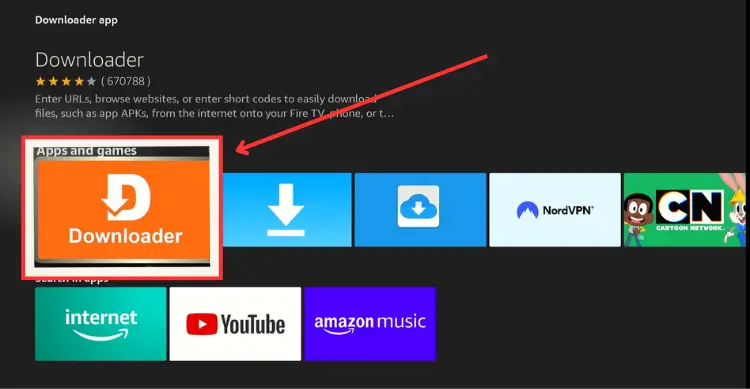
Step 14: Tap Get/Download
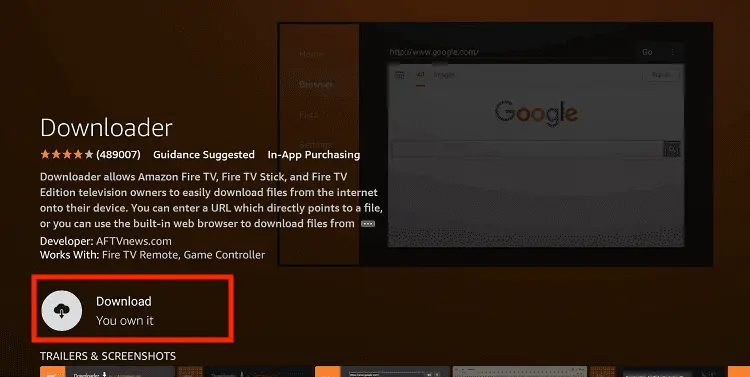
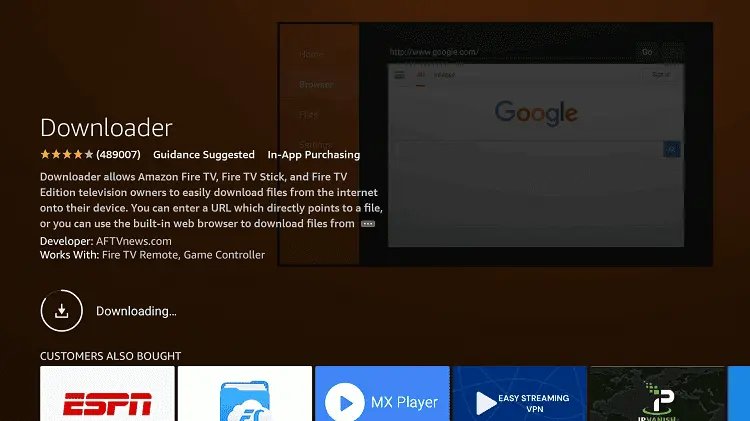
Step 15: Wait for a while until the installation process is completed
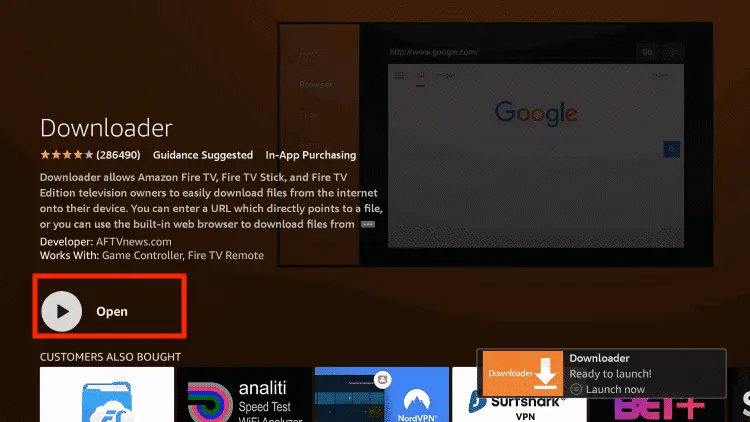
Step 16: Now click Open
Step 17: You will see a popup about Downloader app latest update. Click "OK".

Step 18: Click OK again

Step 19: This is the Downloader App interface, Click the Search Bar on top

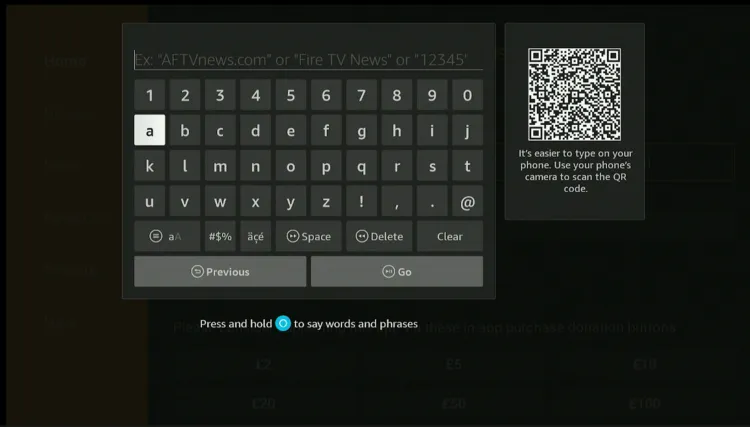
Step 20: Now enter the TFlix Downloader Code 730116 in the search box OR enter this URL bit.ly/fsh-downloads and click Go
Note: The referenced link is the official URL of this app/website. FIRESTICKHACKS does not own, operate, or re-sell any app, streaming site, or service and has no affiliation with its developers.
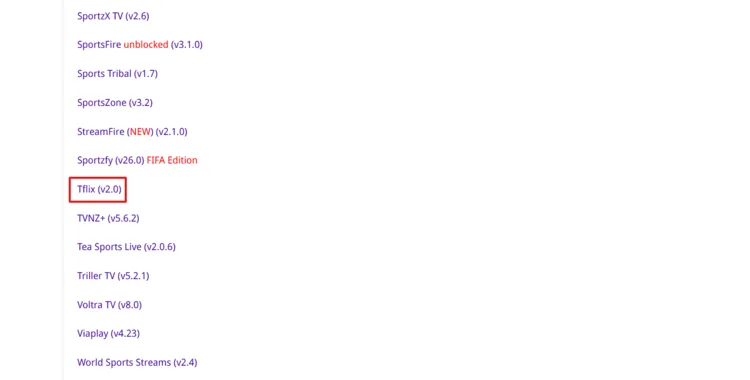
Step 21: Scroll down and click “TFlix” from the “Sports Apps” category.
Note: If the app does not start downloading, then clear the Downloader app cache using this article.
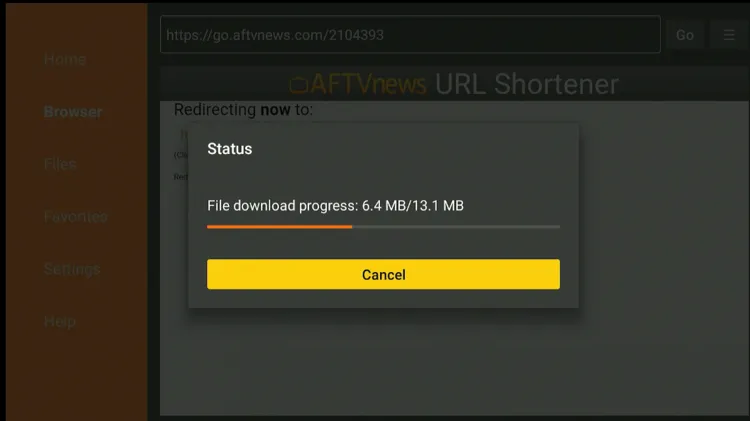
Step 22: The downloading will start. Wait for it to finish.
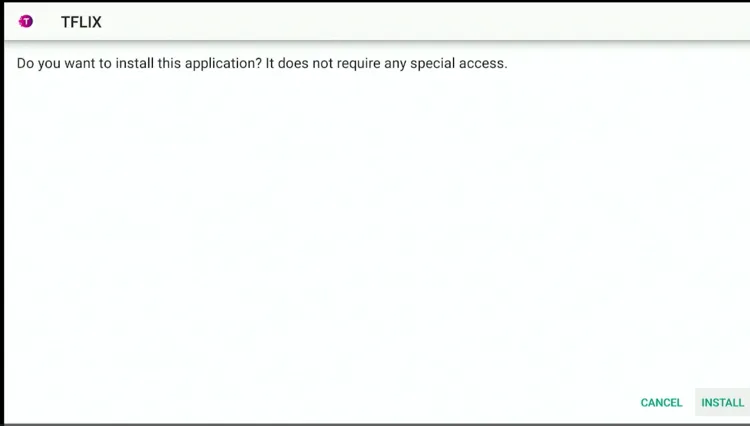
Step 23: Once the downloading ends, click “Install.”
Step 24: Tap the “Done” icon.
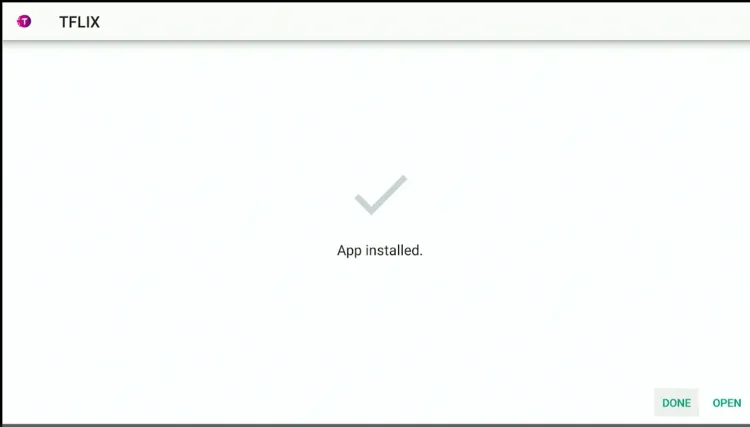
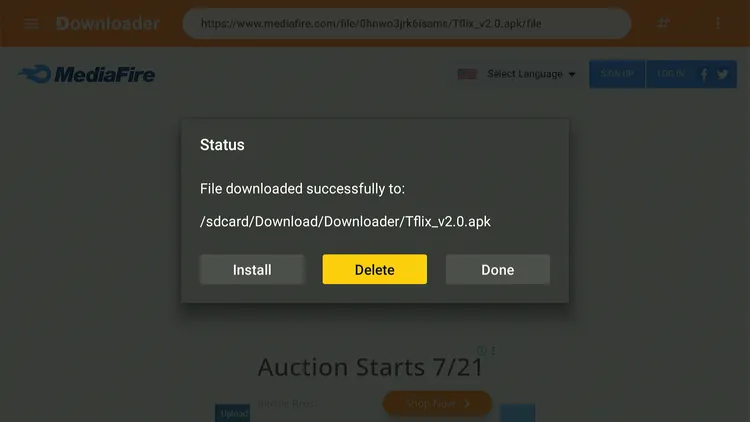
Step 25: Click “Delete” to remove the TFlix APK file from FireStick.
Note: Deleting APK files will free up space on FireStick.
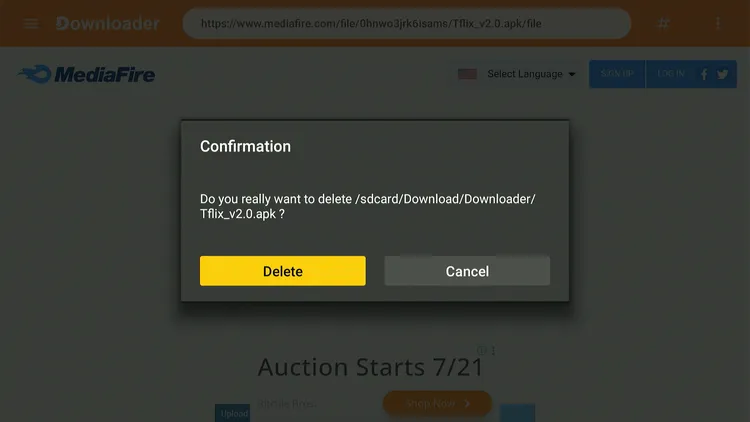
Step 26: Tap “Delete” again to complete the process.
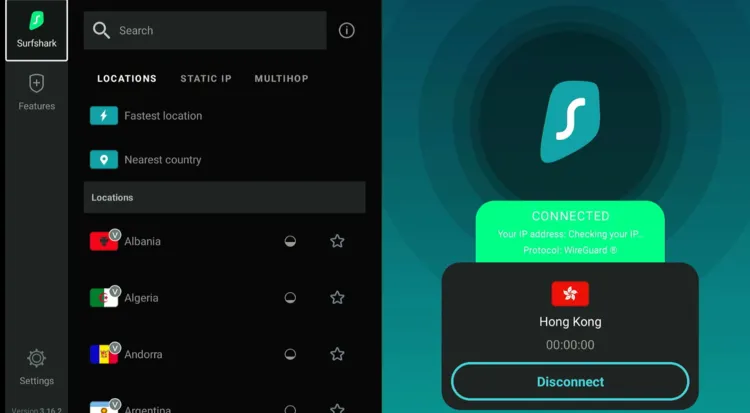
Step 27: Open Surfshark and connect it to the Hong Kong/Costa Rica/US server.
Step 28: Go to the FireStick home and select the “Apps Library” icon next to the settings in the top right corner.
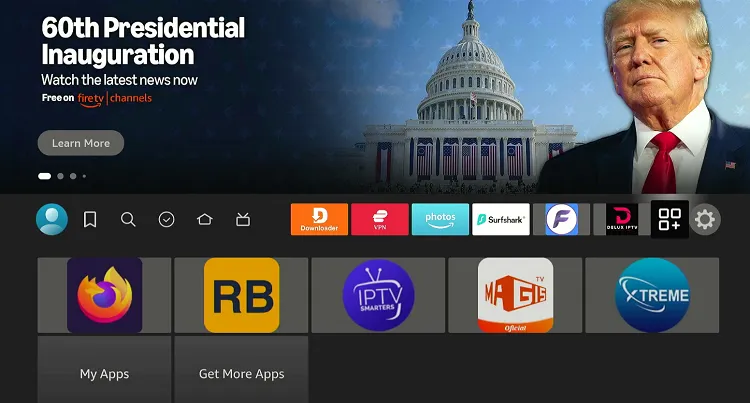
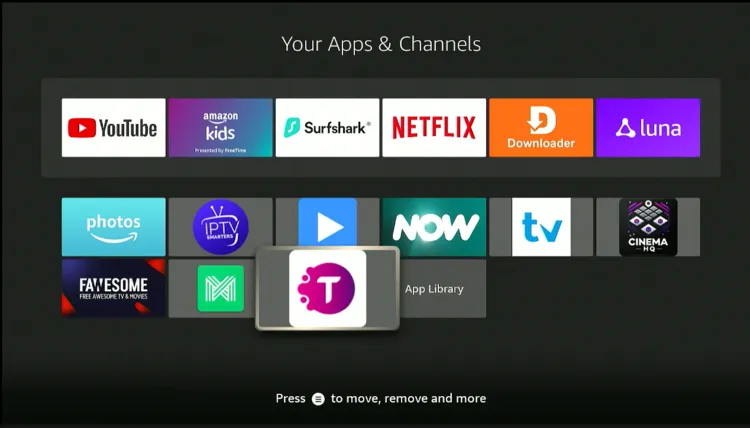
Step 29: Select “TFlix.”
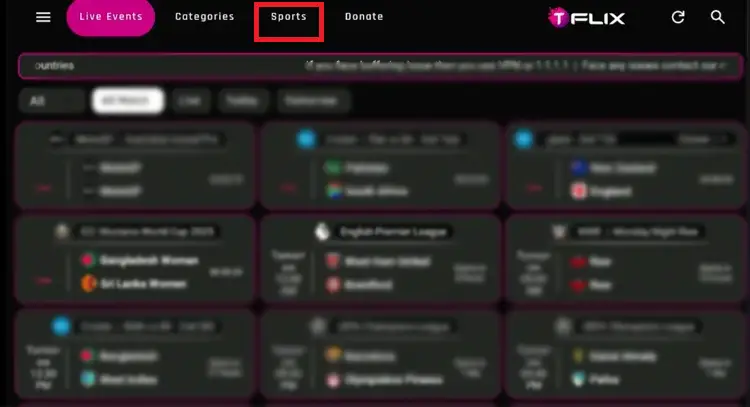
Step 30: Tap “Sports” from the top.
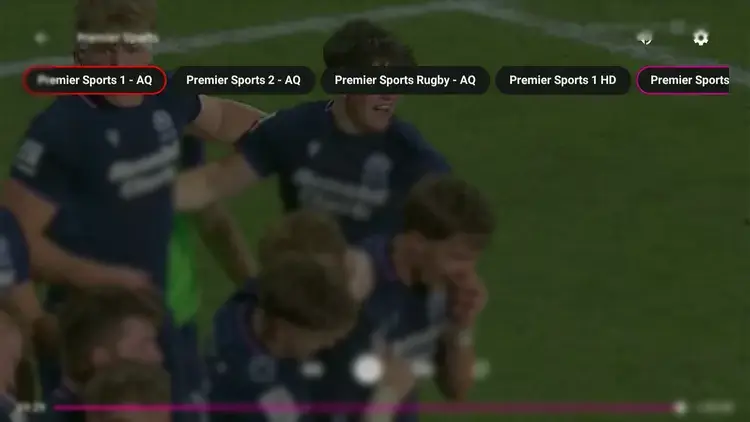
Step 31: You will find “Premier Sports” in the list.
Step 32: Enjoy streaming Premier Sports for free.
How to Watch Premier Sports on FireStick [Paid, Official]
The second method to watch Premier Sports is by installing its app via the Amazon Appstore.
However, if you don’t live in the UK or Ireland, you must change your Amazon account to a UK address before proceeding further.
Please note that despite changing the address, you will still need to install SurfShark VPN on FireStick and connect it to the UK server to bypass geo-restrictions.
P.S. Once you have changed the address, restart the Fire TV Stick. If the Premier Sports app is still “unavailable“ or you see “App Not Found” on the Amazon Appstore, wait for a few minutes and then try again.
Follow the steps below:
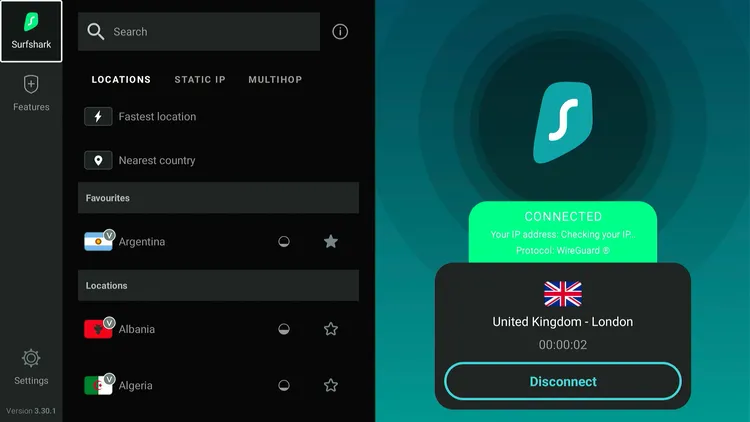
Step 1: Open Surfshark and connect it to the UK server.
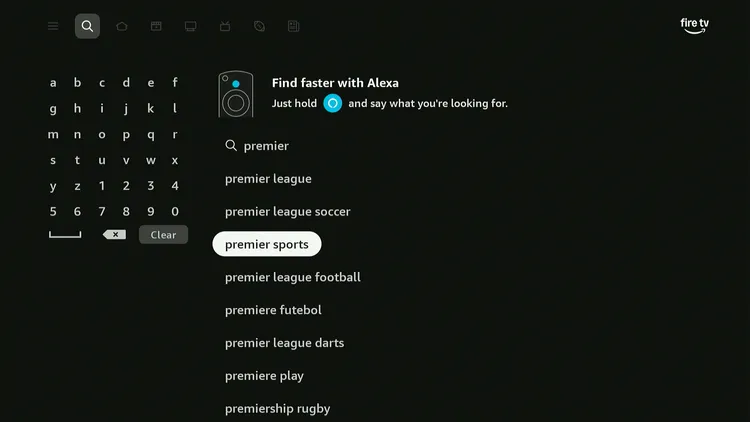
Step 2: Type “Premier Sports” and select it from the results.
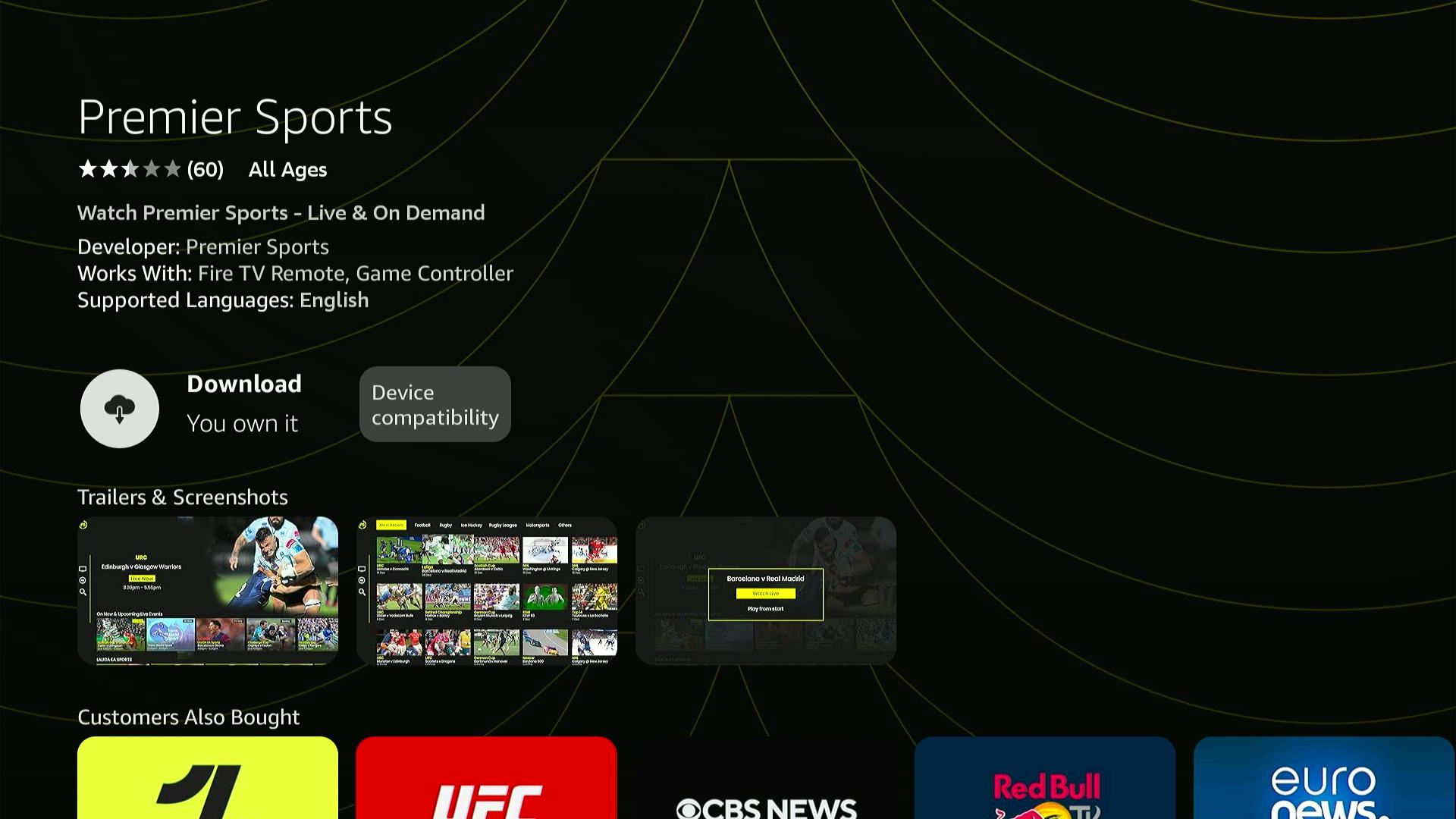
Step 3: Click on “Download.”
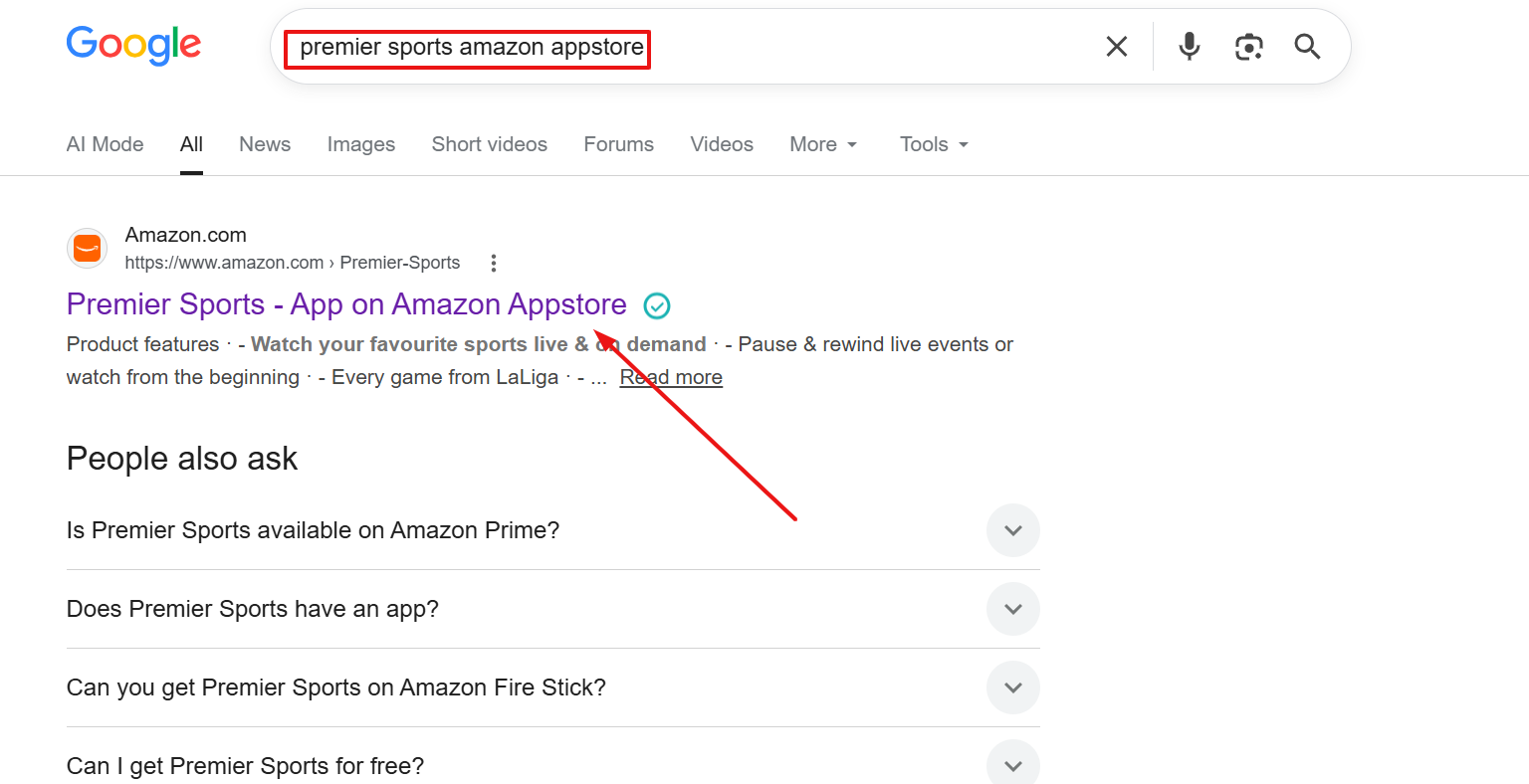
Step 4: If you don’t find Premier Sports on the Amazon Appstore, the alternative way is to type “Premier Sports” on Google, and you will see it in the results.
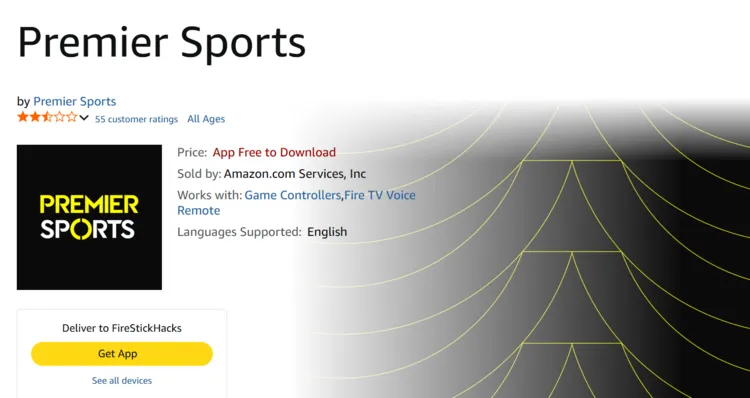
Step 6: Click “Deliver/Get App.”
P.S. Make sure you are signed into the Amazon account that is connected to your FireStick.
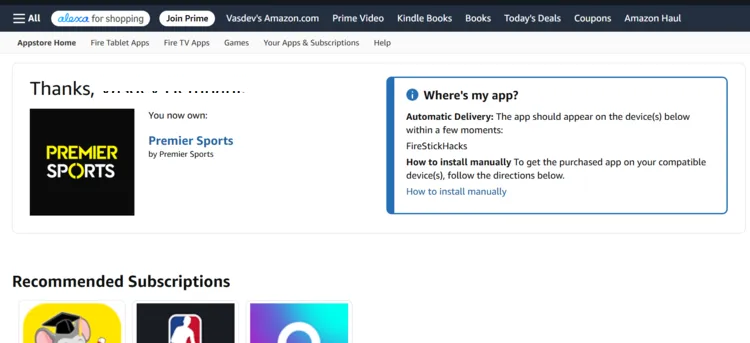
Step 7: The app has been successfully installed. You will see it on your FireStick in a few seconds.
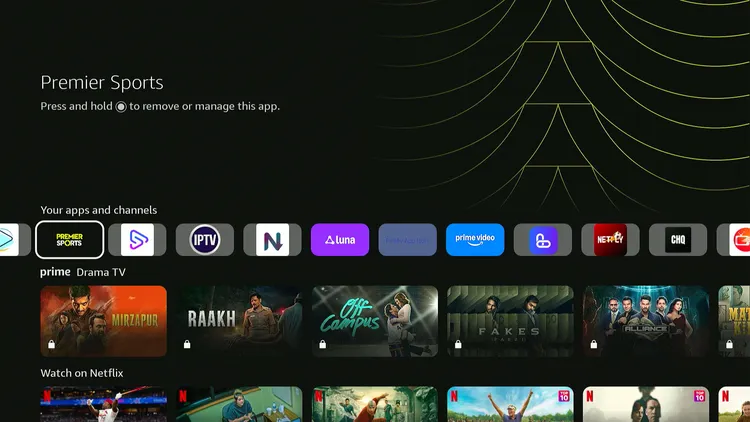
Step 8: Launch “Premier Sports.”
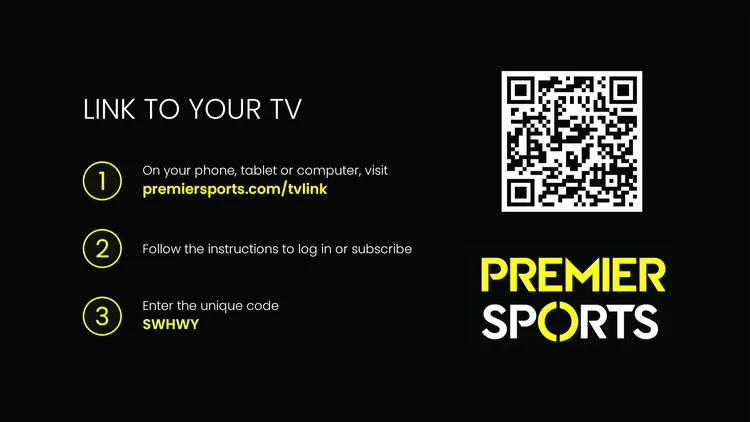
Step 9: You can now sign in to the app using the link/QR code.
Premier Sports Pricing
Premier Sports offers these standalone subscription plans in the UK/Ireland:
| Plan | Price |
|---|---|
| 12-month plan | £12.99/month |
| Monthly (cancel with 30 days’ notice) | £17.99/month |
| Annual (pay upfront) | £130/year (equivalent to about £10.83/month) |
Top Premier Sports Features
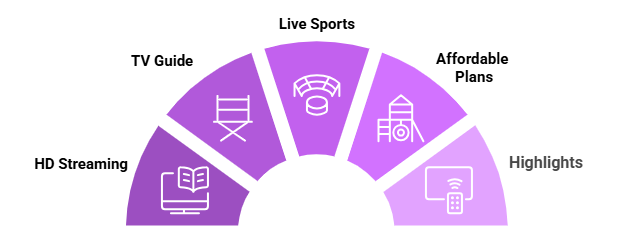
Check out some of the best Premier Sports features:
Trouble Streaming Premier Sports on FireStick? Try These Fixes
If you’re dealing with buffering, app crashes, or other streaming glitches on FireStick, try these quick fixes to smooth things out:
- Clear app cache
- Close background apps
- Connect FireStick via Ethernet
- Set video resolution to 1080p/4K
- Restart FireStick
P.S. If you are still facing issues, check out our detailed articles to stop buffering on FireStick and fix playback errors.
Premier Sports Alternatives
If you like Premier Sports offerings, you would want to try some of its following alternatives:
- Fox Sports on FireStick
- YouTube TV on FireStick
- beIN Sports on FireStick
- Sling TV on FireStick
- Kayo Sports on FireStick
Premier Sports – FAQs
Is Premier Sports free on FireStick?
No, Premiers Sports is a paid sports streaming service with pricing plans starting from £17.99/mo.
What sports events I can watch on Premier Sports?
Premier Sports covers popular live sports events including NASCAR, La Liga, Champions Cup, and NHL.
Is Premier Sports available on the Amazon Appstore?
Yes, the Premier Sports is listed on the Amazon Appstore. You can change your Amazon account to a UK address before proceeding further.
Is Premier Sports geo-restricted to the UK and Ireland?
Yes, but you can access Premier Sports worldwide using a VPN and then connecting to the UK server.
Conclusion
Premier Sports is a sports broadcasting network that offers extensive coverage of various live events, including football, rugby, hockey, and more.
With support for FireStick and other popular streaming devices, you can enjoy your favorite sporting events at home or on the go. This guide lists methods to watch it for FREE as well.
If you want to access Premier Sports worldwide, make sure to use Surfshark and then connect it to the UK server.