
Disclosure: Our experts test apps for security before recommending them. If you buy through our links, we may earn a commission. See how it works.
Netfly is a popular solution to get all your streaming needs – movies/shows, live TV, anime & sports – at one place for free.
The app offers an EPG for all the live TV channels. While the app allows a free trial for 6 months for each account, you can create a different account to renew the trial.
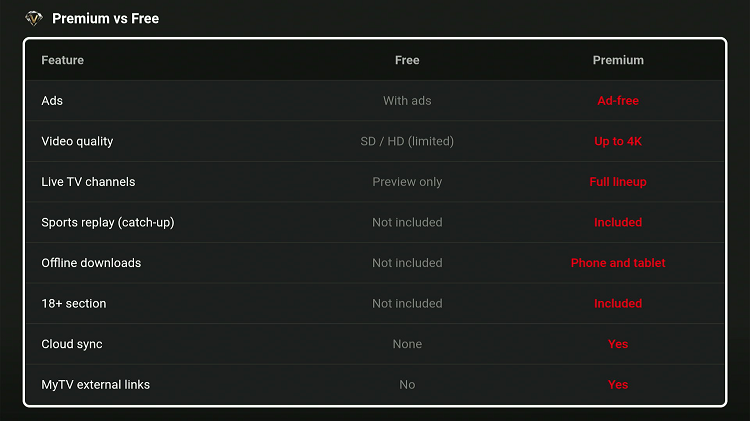
To unlock premium content and additional features, you must subscribe to Netfly premium plans starting from $12 for 3 months.
Please note that since the app fetches links via unknown/unverified sources, you must use a VPN to hide your IP address & ensure secure streaming. Surfshark is our #1 choice.
🛡️ VPN RECOMMENDATION
Our Recommended VPN - Surfshark
Your ISP sees every stream. Unverified apps expose your IP. Fix both in under 2 minutes.
🔒 30-day money-back guarantee • $0.06/day

How to Install Netfly on FireStick Using Downloader App
Netfly is an unofficial app, which means it’s unavailable on the official Amazon Appstore. You will have to sideload Netfly latest APK v3.0.3 using the Downloader app.
Before starting the jailbreaking/sideloading process, don’t forget to install and use SurfShark VPN on FireStick for foolproof online security.
Follow the steps below:
Step 1: Turn ON your FireStick device and Go to FireStick Home

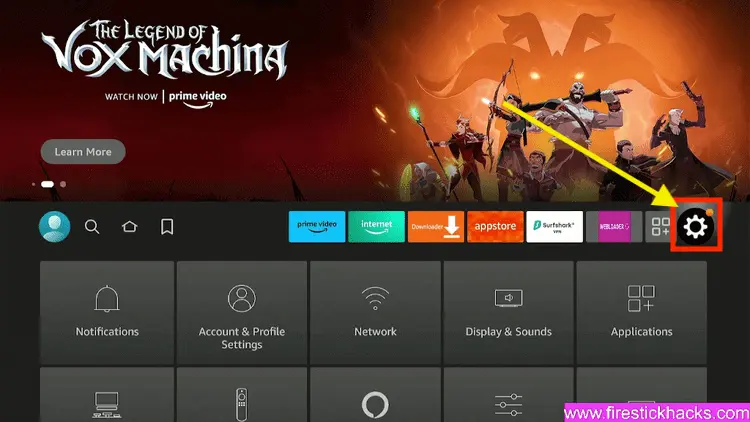
Step 2: Click on the Settings icon
Step 3: Select the My Fire TV option

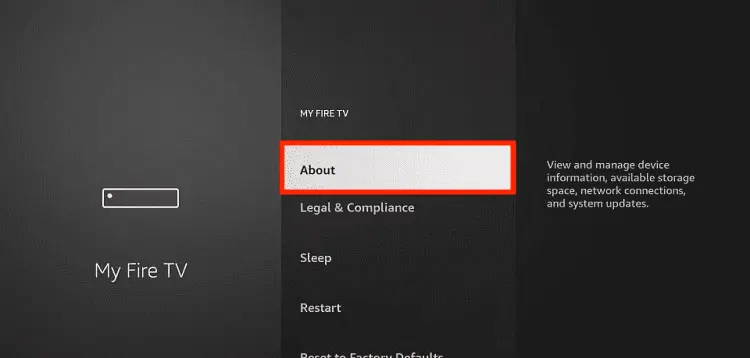
Step 4: To enable the Developer Option, click About.
Note: If you have already enabled the Developer Option, then proceed to Step 10
Step 5: Click on the Fire TV Stick option quickly at least 7 times

Step 6: Now you will see this message at the bottom saying "No need, you are already a developer". So stop clicking then

Step 7: Now the Developer Option will appear in the menu so click on it
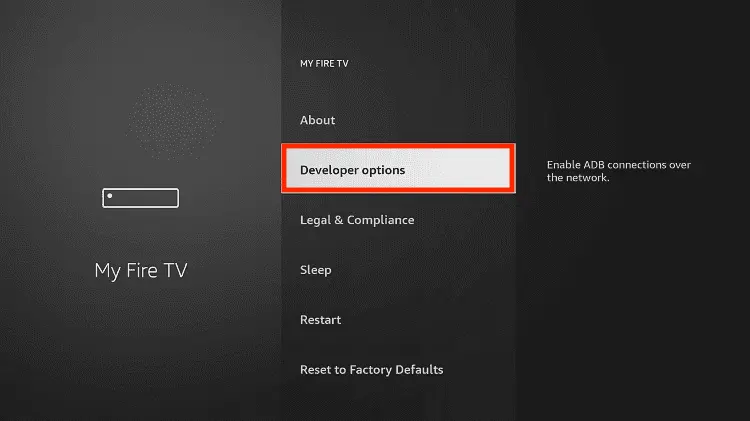
Step 8: Choose Apps from Unknown Sources to turn it ON

Step 9: Simply click Turn On

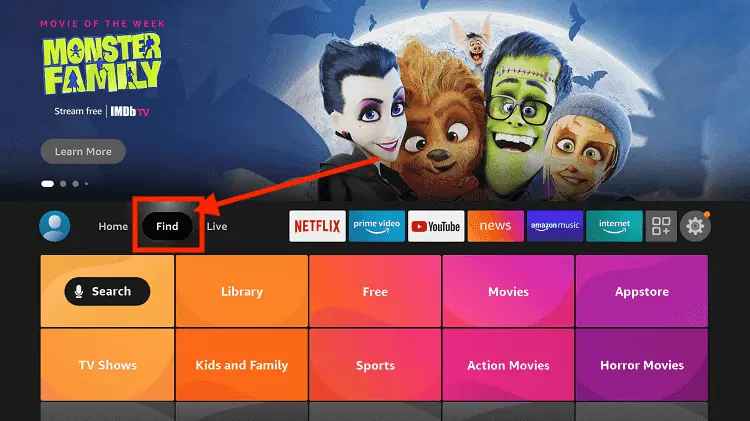
Step 10: Now return to the FireStick Home menu by pressing the "Home" icon on the remote and click on Find
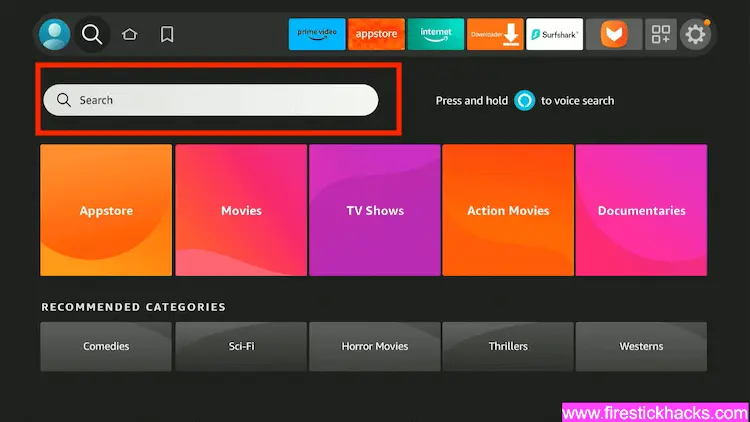
Step 11: Now select the Search icon
Step 12: Type Downloader and press search
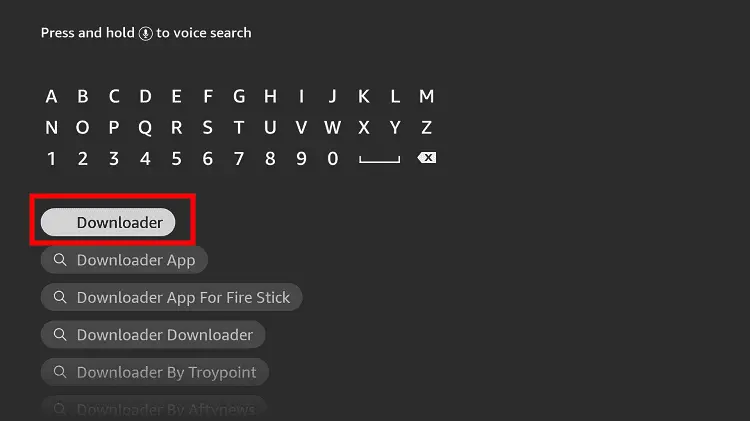
Step 13: Select the Downloader App icon from the list available in the Amazon Store

Step 14: Tap Get/Download
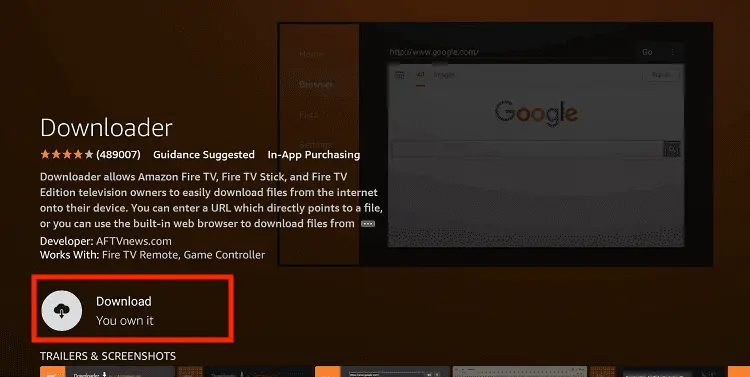
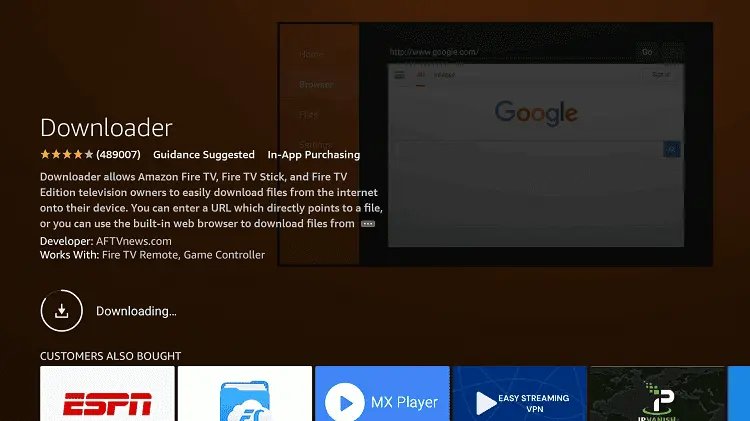
Step 15: Wait for a while until the installation process is completed
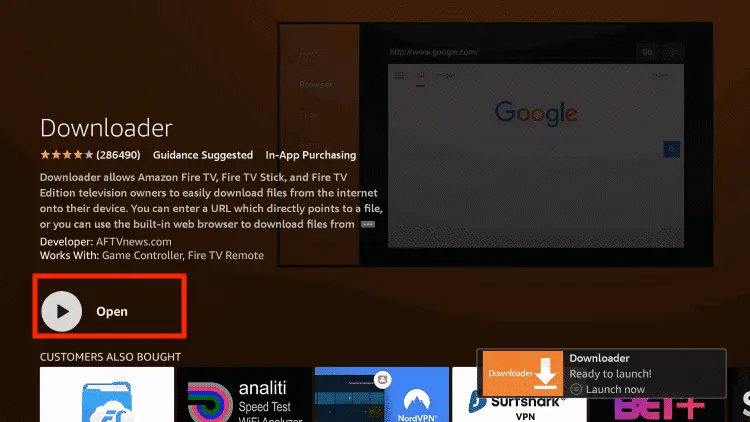
Step 16: Now click Open
Step 17: You will see a popup about Downloader app latest update. Click "OK".

Step 18: Click OK again

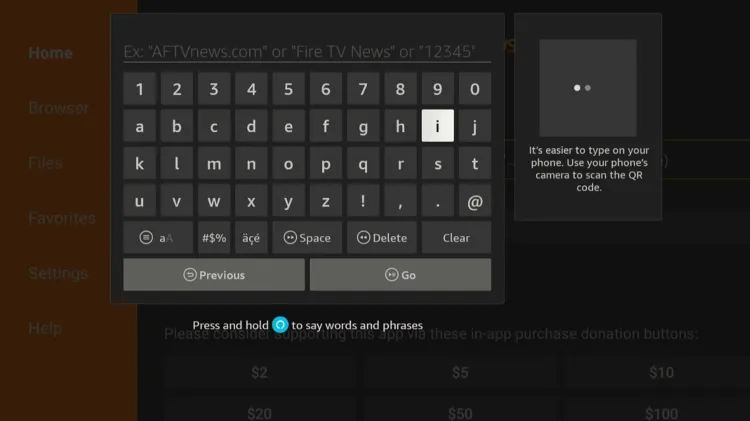
Step 19: This is the Downloader App interface, Click the Search Bar on top

Step 20: Enter Netfly Downloader Code 730116 in the search box OR enter this URL bit.ly/fsh-downloads and click Go.
Note: The referenced link is the official URL of this app/website. FIRESTICKHACKS does not own, operate, or re-sell any app, streaming site, or service and has no affiliation with its developers.
Step 21: Scroll down and click “Netfly” from the “Live TV Apps” category.
Note: If the app does not start downloading, then clear the Downloader app cache using this article.
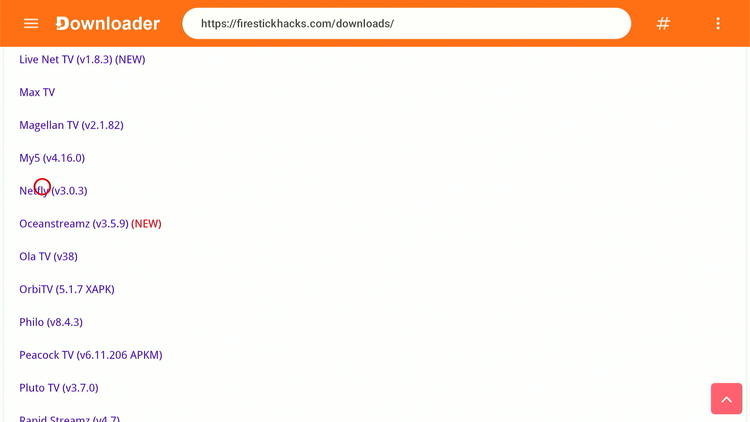
Step 22: The downloading will start. Wait for it to finish.

Step 23: Once the downloading ends, click “Install.”
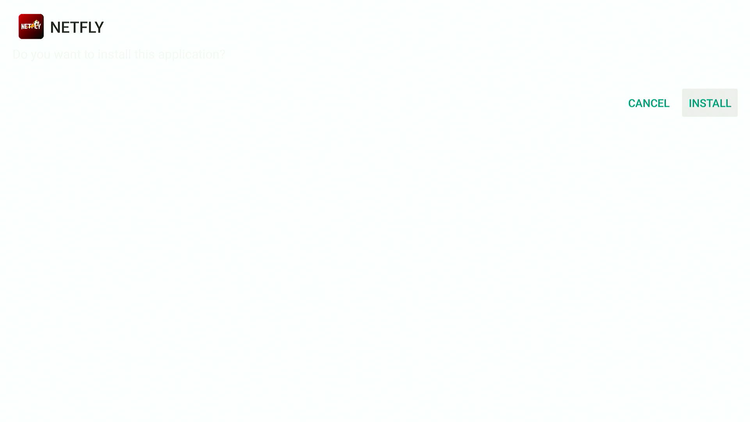
Step 24: Tap the “Done” icon.

Step 25: Click “Delete” to remove the Netfly APK file from FireStick.
Note: Deleting APK files will free up space on FireStick.
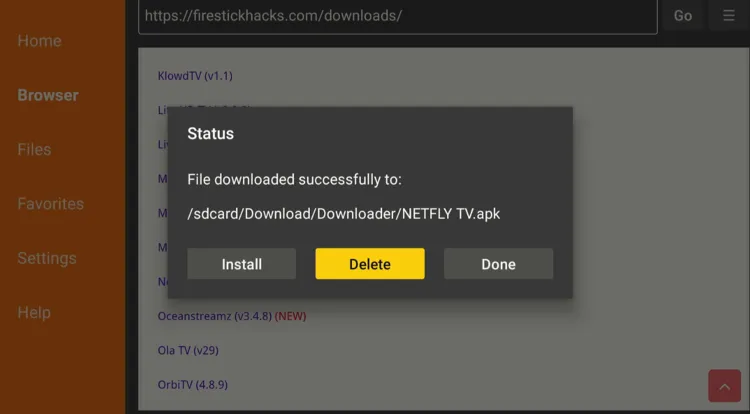
Step 26: Tap “Delete” again to complete the process.

How to Use Netfly on FireStick
Netfly works on a freemium model. You can get free access to Netfly for 6 months.
Before using Netfly, don’t forget to install and use SurfShark VPN on FireStick to hide your IP address because we have no way to verify its streaming sources.
P.S. I signed up on Netfly with different accounts to trick the Netfly app and renew my free trial multiple times. You can try the same hack!
Follow the steps below:
Step 1: Open Surfshark and connect it to the Hong Kong server.
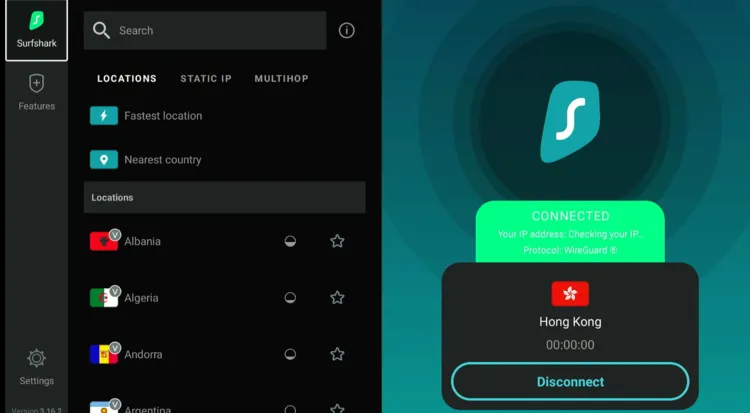
Step 2: Now launch the “Netfly app.”
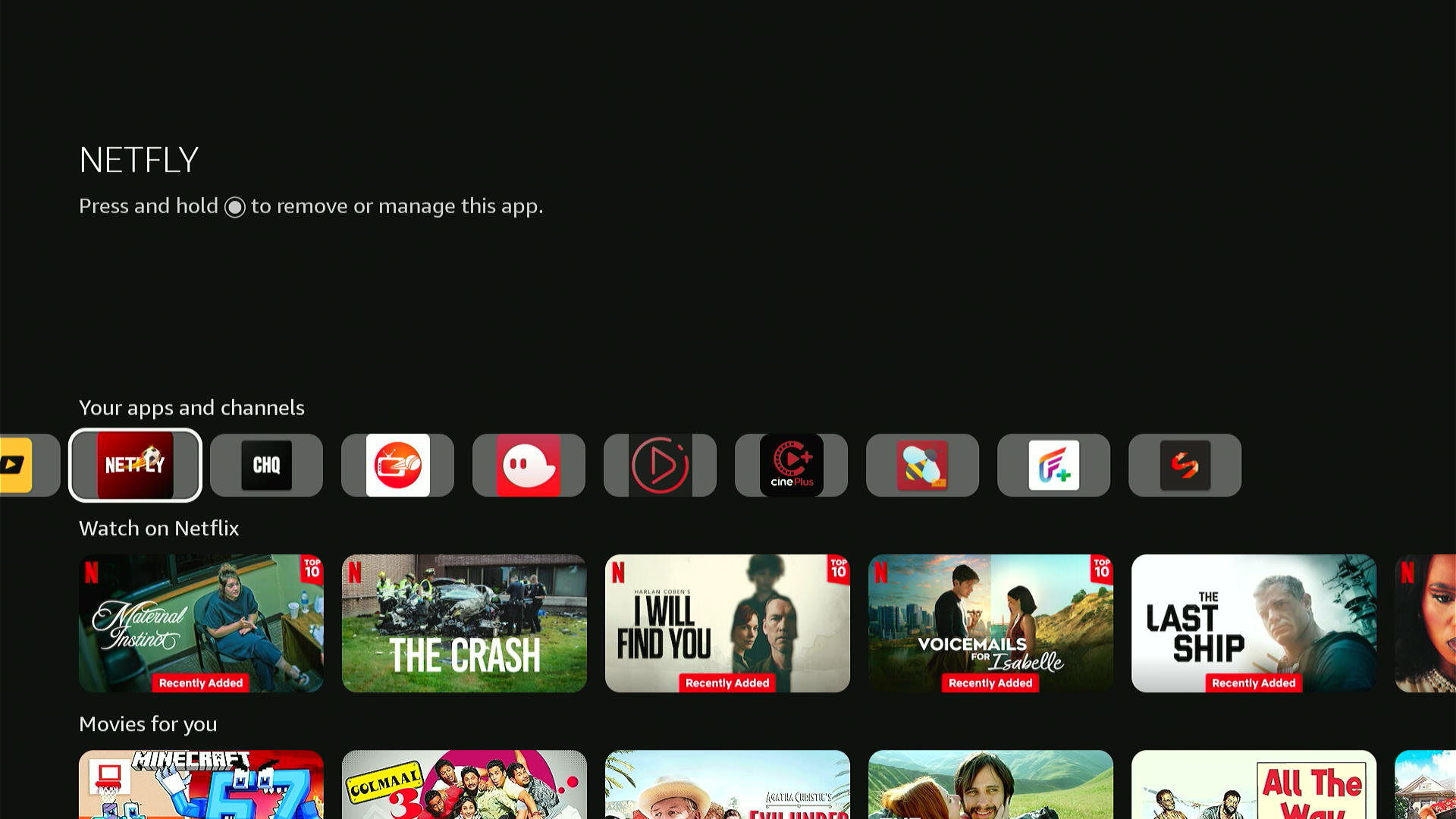
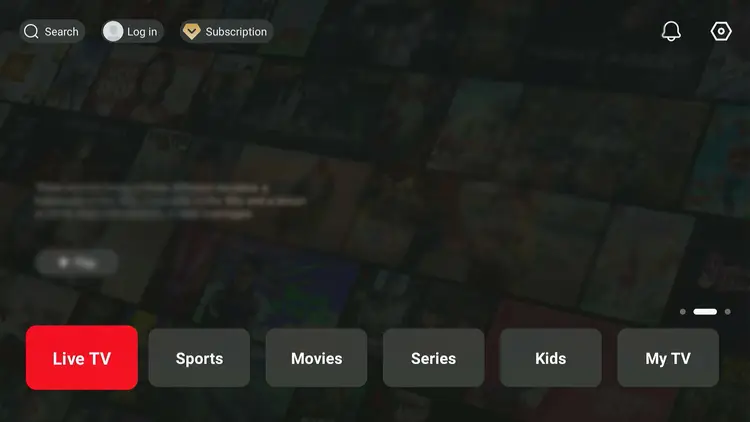
Step 3: This is the Netfly interface. Click “Login.”
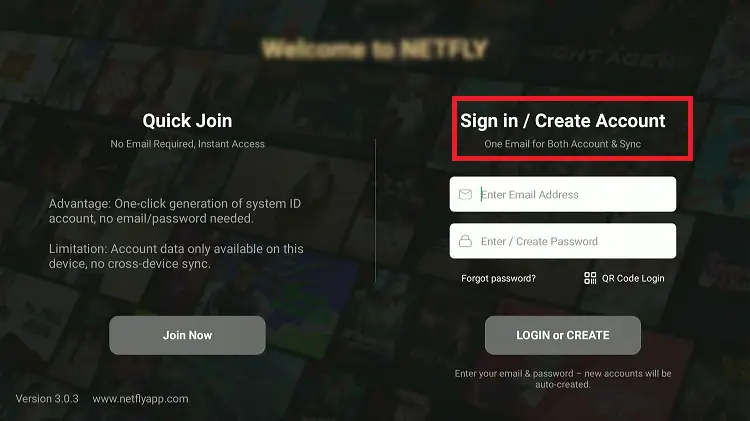
Step 4: You can either click “Join Now” or “Sign in/Create Account” to use Netfly.
Note: If you don’t have an account on Netfly, enter your credentials to create an account.
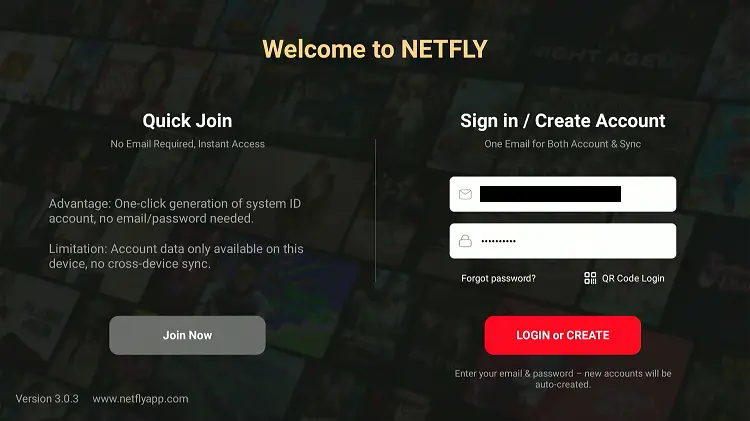
Step 5: After entering credentials, tap the “Login or Create” button.
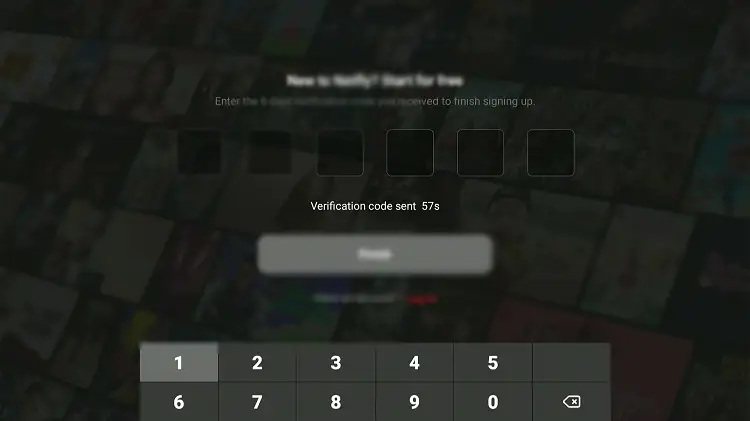
Step 6: If you don’t have an account on Netfly, you will receive an OTP to your email. Enter it here to complete verification.
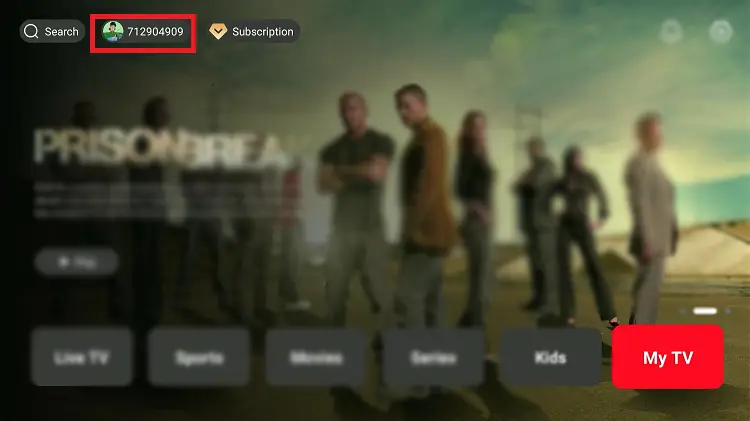
Step 7: Now select the ID number assigned to you from the top.
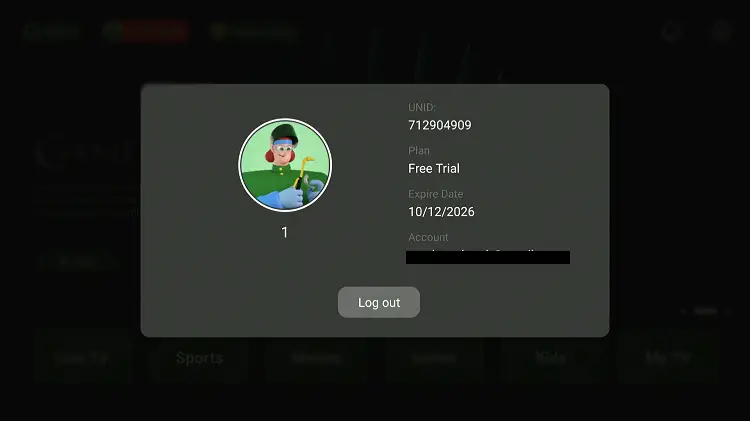
Step 8: As you can see, my current plan is the “Free Trial,” and it expires on “10/12/2026.” You get a 6-month free trial!
Step 9: Now choose a category to stream the desired content.
Step 10: Select any channel.
Step 11: Enjoy streaming!

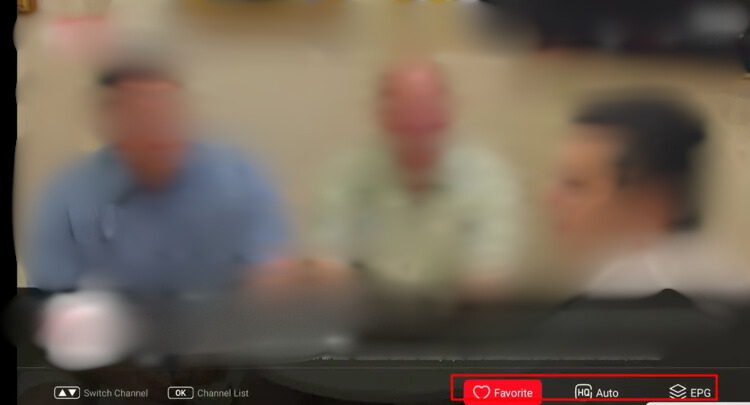
Step 12: You can explore features like Favorite, Streaming Quality, & EPG below.
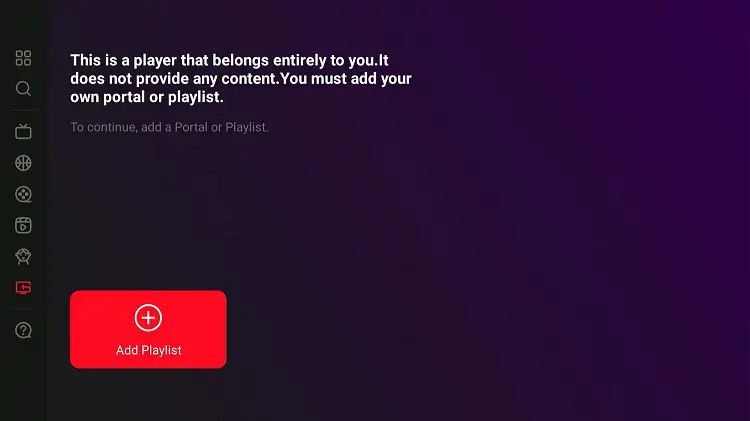
Step 13: To use Netfly as an IPTV player, tap “My TV.”
Step 14: Select “Add Playlist.”
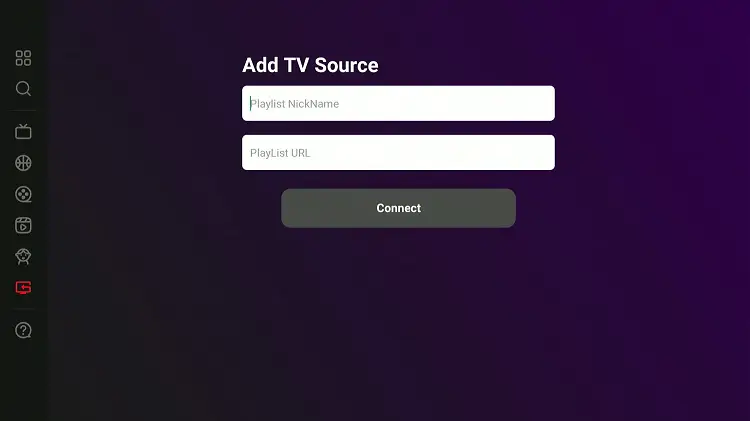
Step 15: Enter your credentials from the IPTV service provider, and the content will load immediately.
How to Buy a Netfly Subscription
As mentioned earlier, some of Netfly’s premium content is locked behind the paywall. You must buy a Netfly subscription to unlock it.
Here’s how you can do it:
Step 1: Tap “Subscription.”
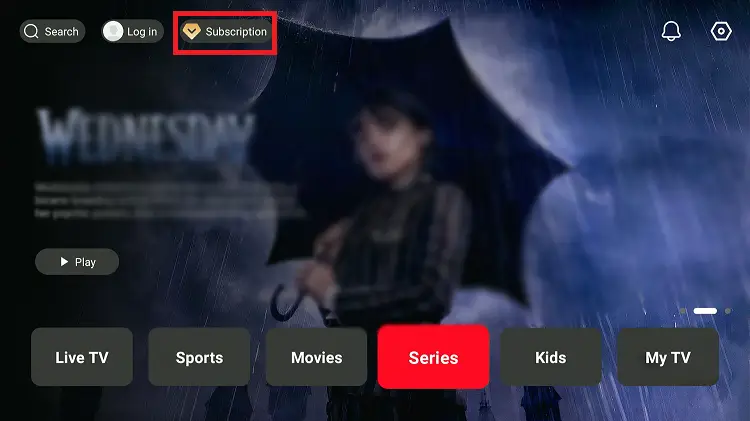
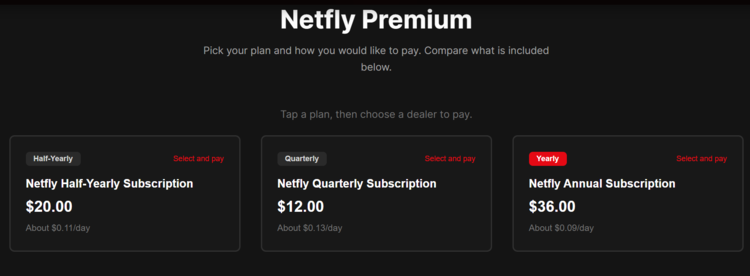
Step 2: Click “Go.”
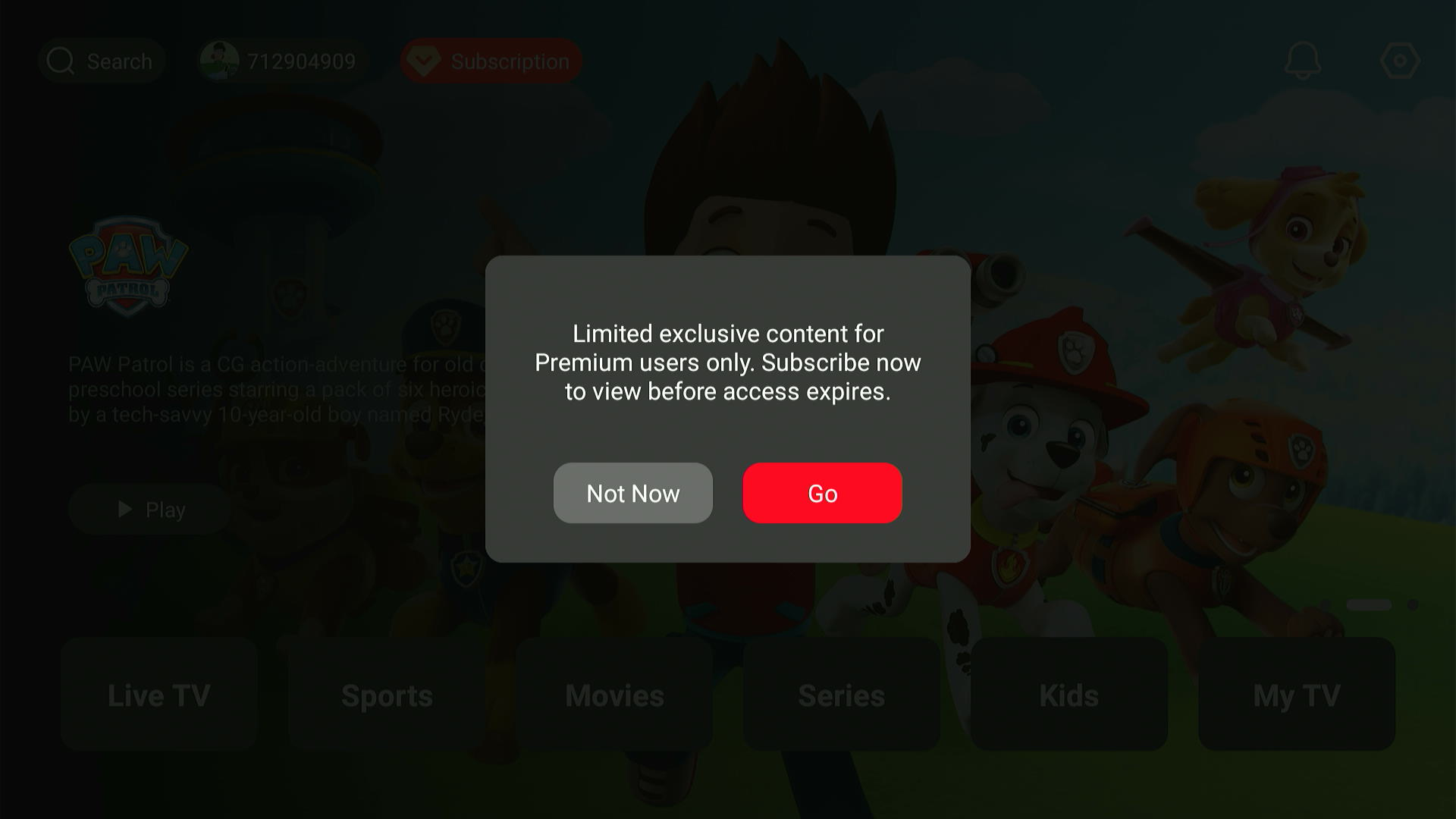
Step 3: You will now see multiple subscription plans; choose one of them.
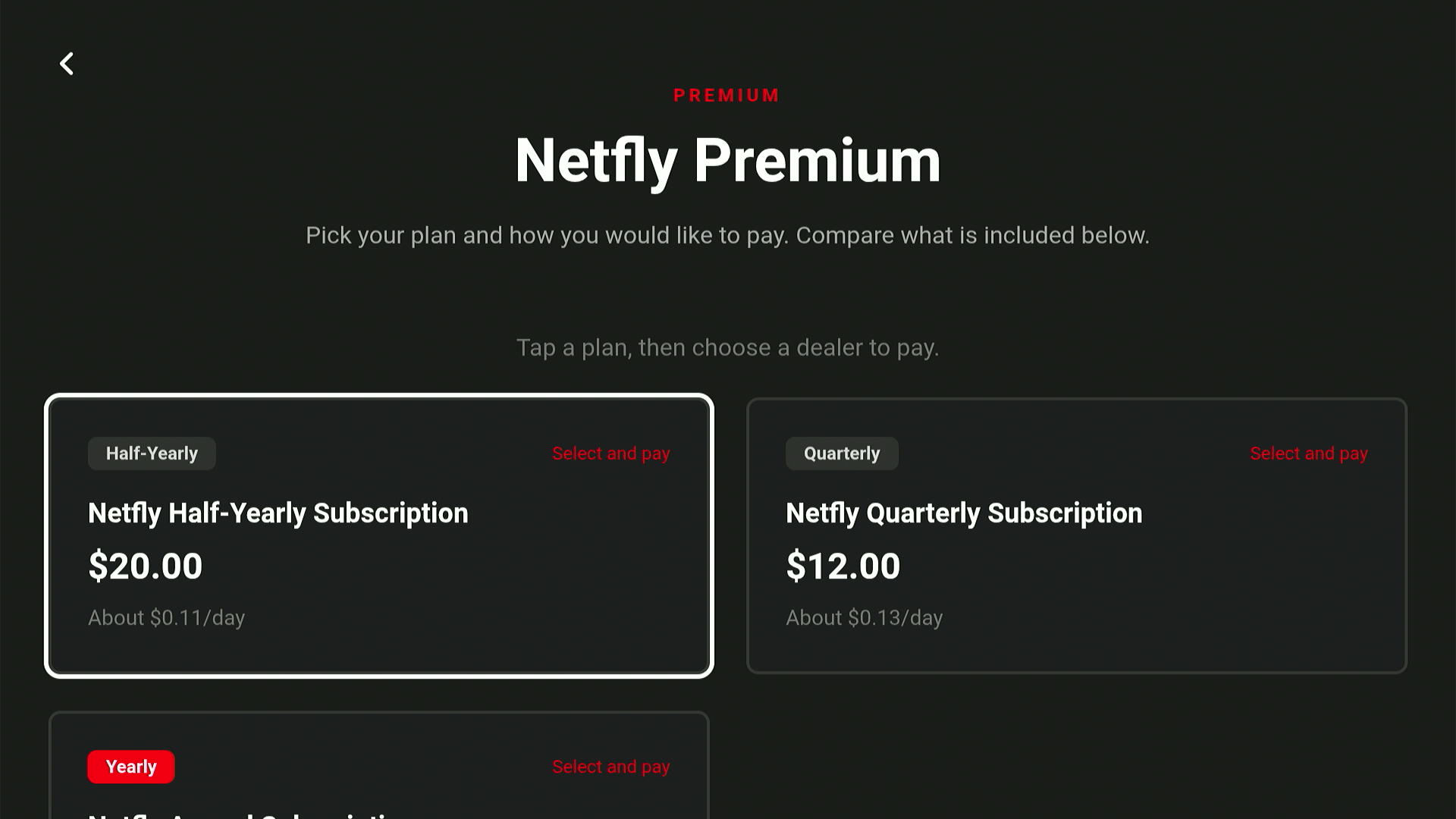
Step 4: Depending on whether you want to pay via card, crypto, etc., scan a QR code from the options on your mobile and follow the instructions to complete the process.
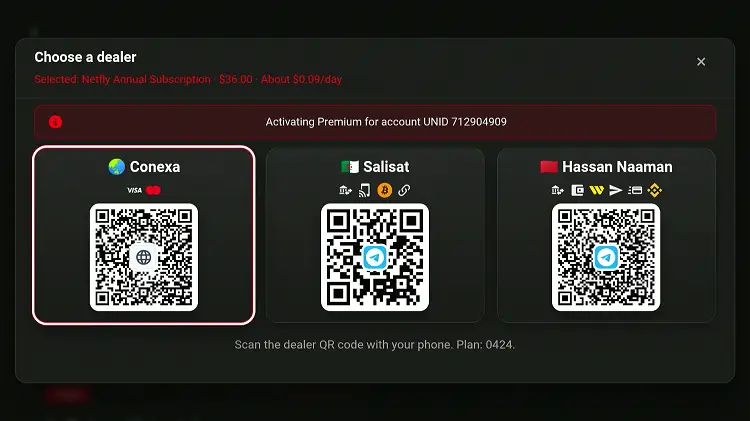
Netfly Pricing Breakdown
Quarterly Plan
- Price: $12.00
- Duration: 3 Months
- Cost Per Day: ~$0.13/day
- Best For: Short-term users who want to test the service
Half-Yearly Plan
- Price: $20.00
- Duration: 6 Months
- Cost Per Day: ~$0.11/day
- Best For: Users seeking better value without a long commitment
Yearly Plan
- Price: $36.00
- Duration: 12 Months
- Cost Per Day: ~$0.09/day
- Best For: Long-term users looking for the lowest daily cost
Is Netfly APK Safe/Legal to Use on FireStick
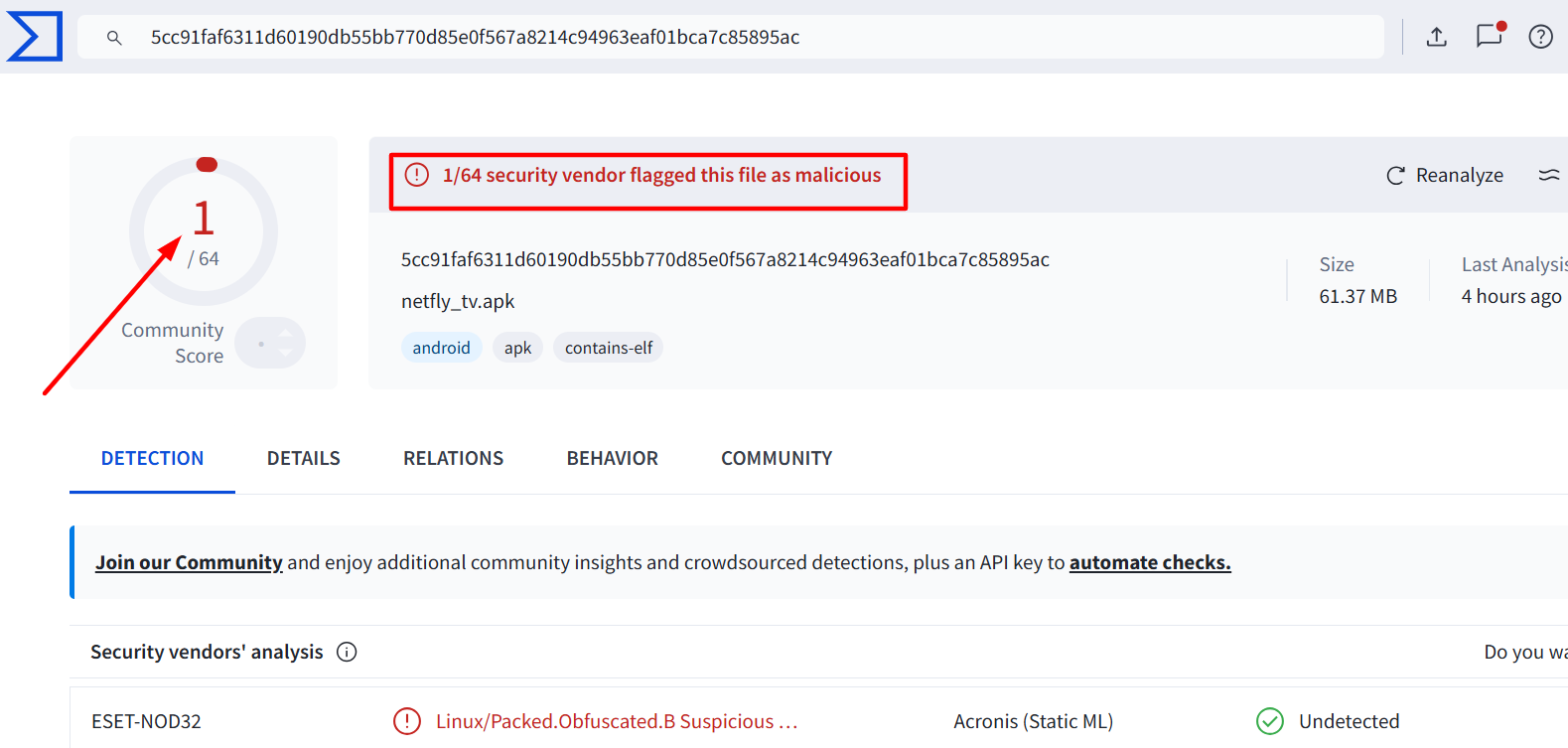
When I scanned the latest Netfly APK v3.0.3 on Virustotal, one vendor flagged this file as malicious. However, since we delete the APK file after installing the app, there won’t be any issues.
Yet, to be on the safe side, we recommend you use Surfshark VPN when installing or streaming anything on Netfly. It will add to your online security.
Netfly Latest APK at a Glance
Check out the key information about the Netfly APK in the table below:
| Content-Type | Movies/Shows/Live TV |
| Price | Freemium (6-month free trial) |
| File Size | 54.5 MB |
| Is It Safe to Use? | Yes, but with a VPN |
| Latest APK | 3.0.3 |
| Developer | Netfly |
| External Player | No |
Top Netfly Features
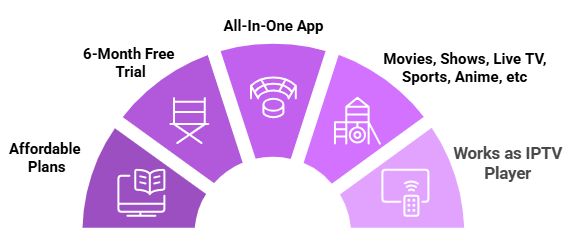
Check out the top Netfly TV features:
✅ Movies, Shows, Live TV, Sports, Anime, etc.
✅ 6-Month Free Trial
✅ No Ads
✅ Affordable Plans
✅ EPG
✅ SD & HD streaming
✅ Little to no buffering
Trouble Streaming Netfly on FireStick? Try These Fixes
If you’re dealing with buffering, app crashes, or other streaming glitches on FireStick, try these quick fixes to smooth things out:
- Clear app cache
- Close background apps
- Restart FireStick
- Connect FireStick via Ethernet
- Set video resolution to 1080p/4K
Netfly Alternatives on FireStick
If you are on the lookout for more apps like Netfly, consider trying out the following alternatives:
- Cinema HQ on FireStick
- 1Pix Media on FireStick
- Flix Vision on FireStick
- Voltra TV on FireStick
- Stremio on FireStick
FAQs – Netfly
What is Netfly app?
Netfly is an all-in-one app with on-demand and live TV offering channels from US, India, France, etc.
Is Netfly available on the Amazon App Store?
No, Netfly is not on the Amazon App Store; you will have to sideload it using the Downloader app.
Does Netfly show ads?
No, Netfly is completely ad-free.
Can I use subtitles on Netfly?
Yes, most movies and shows support multilingual subtitles and audio tracks.
What is the latest version of Netfly APK?
The latest Netfly version is v3.0.3.
Conclusion
If you love watching live TV channels and on-demand movies & shows for free, give Netfly a try.
Its ad-free interface, EPG, and multilingual subtitle support provide a premier streaming experience.
That said, since Netfly sources its content from unverified links, it’s always best to stay protected.
Before you start streaming, make sure to connect to a reliable VPN like Surfshark to hide your IP address.





Hi! The 730116 code works to bring up your site, but scrolling down to Netfly that link doesn’t work. Do you have a direct code? Also the version you have listed isn’t the newest. Newest is 2.5..3
Thank you!
Hey, thanks for bringing this up. The latest version is available for all apps in our Downloads page and the app works fine as of 5 Jan, 2026.
Is netfly no longer available?
Hello, Just checked. Netfly is working fine. There was an issue from the backend, which has been fixed. Try again now and let me know if you face any issue.
Seems like Netfly don’t work on the firestick 4k anymore… whenever you download the app from any source it doesn’t open.
Hi Anthony, i just downloaded Netfly on my firestick 4k max 2nd gen and its working smoothly. Could you pls share what issue(s) did you face during the installation?