Disclosure: Our experts test apps for security before recommending them. If you buy through our links, we may earn a commission. See how it works.

This is a step-by-step guide on how to watch OKLiveTV on FireStick, Fire TV, FireStick 4K, and Fire TV Cube.
OKLiveTV is a free website and a platform where you can watch tons of Live TV Channels for free. You can international and local US channels from anywhere.
You can find channels based on Continents and are further categorized into countries. That is why you will be able to watch Live TV Channels from any country in the world.
Before streaming your favorite channels you must understand that it is a free platform and it is strictly advised to use a VPN on your FireStick.
Our Recommended VPN - Surfshark

WARNING! Amazon Monitors Your Fire TV Stick!
Yes, It’s True! Without Proper Encryption, your IP Address is Exposed, and Whatever you Stream on FireStick is 'Being Tracked'.
This can lead to:
- Blocking of the FREE Third-Party Apps
- Exposure of your Personal data to hackers, ISPs, and even the authorities
But There’s a Solution - ‘Surfshark VPN’
Save 87% + Get 3 Extra Months FREE with Surfshark VPN [Limited Time Offer]
This Includes:
✅ VPN for just $0.06/day!
✅ Strongest Encryption (i.e.256-Encryption)
✅ 3,200 servers in 100+ server locations
✅ Kill Switch Feature for FireStick users
✅ Data Breach Alerts.
✅ Unlimited Device Connections.
✅ 30-day money-back guarantee.

How to Watch OKLiveTV on FireStick
OKLiveTV is a free streaming website and can be watched on any browser. But since the website is only accessible to the people of the US and is totally free, make sure to install and use SurfShark VPN on FireStick.
We’ll be using Amazon Silk Browser to watch OKLiveTV on FireStick. Follow these steps:
Step 1: Open your FireStick Device

Step 2: Click on the Find tab

Step 3: Select the Search icon
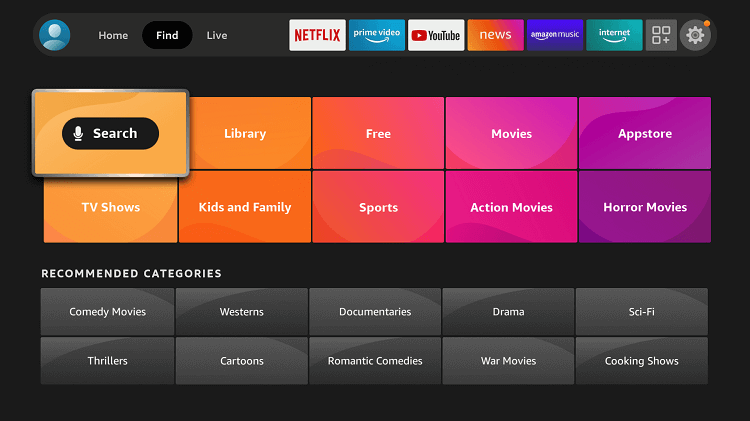
Step 4: Type Internet Browser and select it from the list

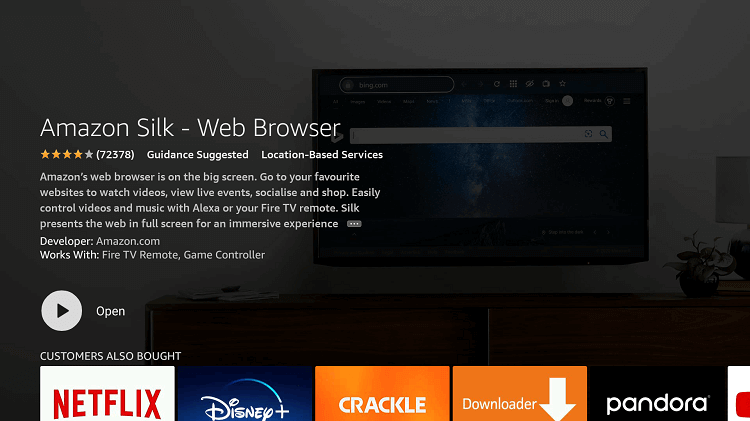
Step 5: Choose the Amazon Silk Browser
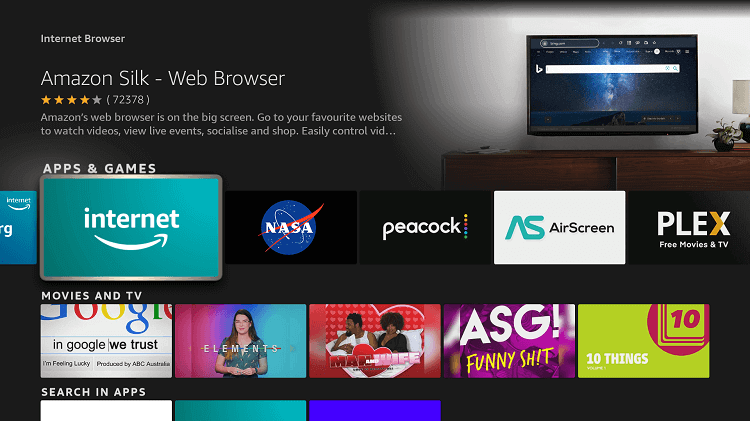
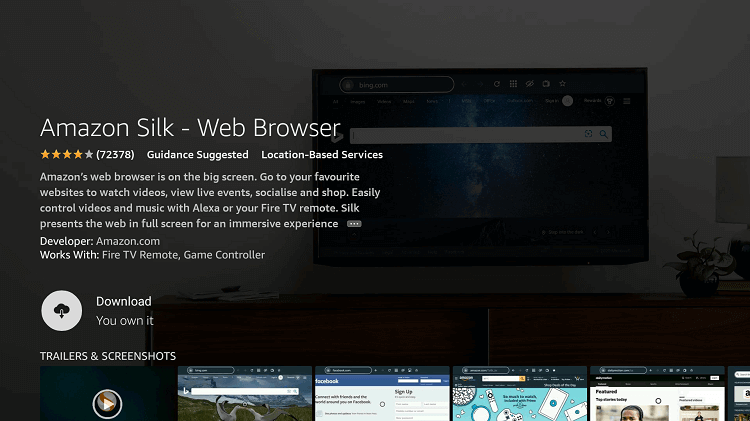
Step 6: Hit the Download
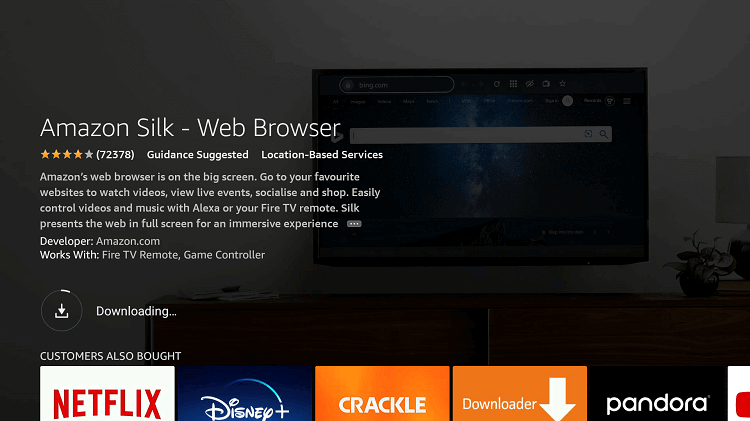
Step 7: Wait a while to complete the download
Step 8: If you’re from outside the US, you need to install Surfshark and connect to the US server to bypass geo-restrictions.

Step 9: Select Open to access the installed browser
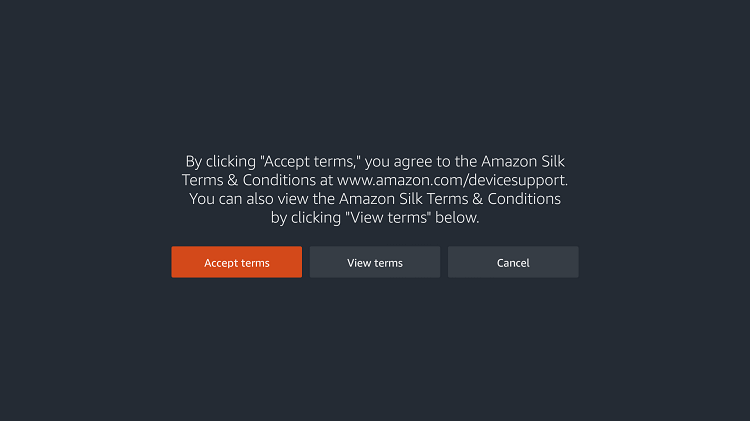
Step 10: Click on Accept Terms
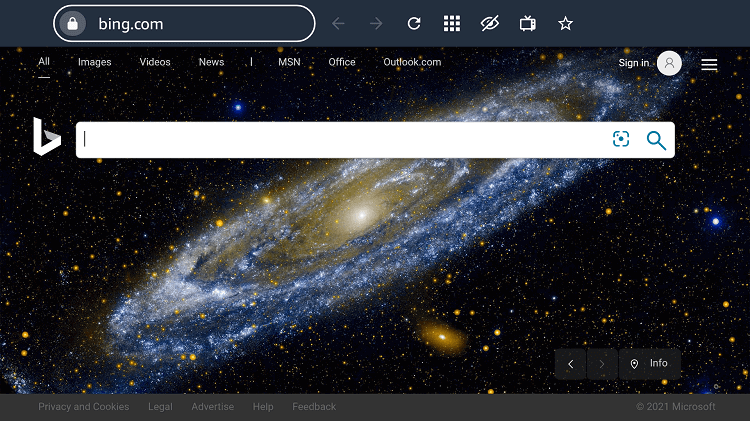
Step 11: Open the browser and click the URL Search Bar
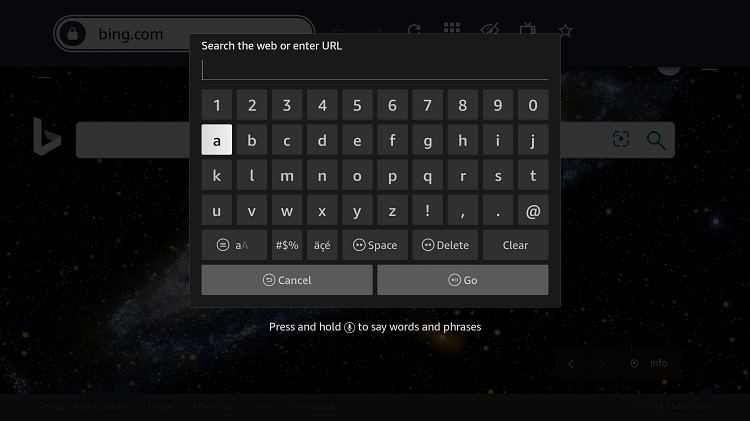
Step 12: Type this URL oklivetv.com and click Go
Step 13: Here is your OK Live TV website’s Homepage, choose one from the following tabs

Step 14: Suppose we go to the Europe Tab and choose the Czech Republic

Step 15: Now Choose any channel to watch (for example Ocko Expres)

Step 16: Click the Play icon

Step 17: Here is your live channel streaming… Enjoy…!

You will find hundreds of live channels available in various categories.
OKLiveTV Features
OKLiveTV is a free TV website that allows you to watch a variety of channels all over the world. Its other features are as under:
- It does not require any registration/login
- One-Touch Play
- HD Quality videos
- Picture in Picture option
- Multiple Source Link to watch each channel
- Other Entertainment Genre like Movies, Sports, Documentary, etc
List of Top Channels
Here are the top channels listed below that you can watch all over the world most of them are premium and cannot be streamed without a subscription prize, but not on OkliveTV. It is extremely free here:
Movies
- Paramount Network
- AXN White
- AXN Spin
- AXN Black
- Rai Movies
- AMC
- HBO
Entertainment
- CANAL Plus
- Canal 10
- 7Star TV
- VH1
- WWE Network
- The Weather Channel
- HGTV
- Comedy Central
- 4Seven live
- CGTN
- RTV 1/2
News
- CNN
- Geo News
- CNBC
- SKY News
- Fox News
- ABC7
- RT News
- RTE News One
- Abu Dhabi Al Oula Live
- CBN News
Kids
- Disney Channel
- RTE Junior
- Cartoon Network
- Nickelodeon
- PBS Kids
- EBS Kids
- TRT Cocuk Live
Sports
- ERT Sports
- Olympics Channel
- Stadium
- Racing.Com
- ESPN
- DubaiRacing
- beIN Sports 1/2/3
- Euro Sports
- Rai Sports 1/2
- DIGI Sports 1/2/3
Alternatives to OKLiveTV
Although OK Live TV can be browsed on any web browser, unfortunately, if you can not access the website or cause any other issues you would need an alternative. Here are some alternatives that we suggest you use instead:
Conclusion
OKLiveTV is a free Live TV channel website that happens to stream tons of channels for free. The content is categorized into continents and countries so you can sort out which country channel you want to watch.
This website is only accessible in the US, so if you want to watch it from outside the US, make sure to use a VPN at all times. Surfshark is our #1 choice.