Disclosure: Our experts test apps for security before recommending them. If you buy through our links, we may earn a commission. See how it works.

This is the step-by-step guide on how to install and watch NewsON on FireStick, FireStick TV & Fire Cube.
NewsON is a free Local News streaming app that will keep you updated on all the National News from the United States from Sports to Politics, Entertainment to Business, and a lot more.
NewsON is an American News app that provides coverage of almost 200 areas of the US (i.e. Atlanta, Washington, Boston, Dallas, Las Vegas, etc) and the app is also available on the Amazon store so it is easy to install as well.
2 Ways to Watch NewsON on Firestick
I have mentioned two methods to watch NewsON on Firestick. These are:
- Watch NewsON using Silk Browser (Outside the US)
- Watch NewsON using Amazon App Store (For US Citizens)
Our Recommended VPN - Surfshark
WARNING! Amazon Monitors Your Fire TV Stick!
Yes, It’s True! Without Proper Encryption, your IP Address is Exposed, and Whatever you Stream on FireStick is 'Being Tracked'.
This can lead to:
- Blocking of the FREE Third-Party Apps
- Exposure of your Personal data to hackers, ISPs, and even the authorities
But There’s a Solution - ‘Surfshark VPN’
Save 87% + Get 3 Extra Months FREE with Surfshark VPN [Limited Time Offer]
This Includes:
✅ VPN for just $0.06/day!
✅ Strongest Encryption (i.e.256-Encryption)
✅ 3,200 servers in 100+ server locations
✅ Kill Switch Feature for FireStick users
✅ Data Breach Alerts.
✅ Unlimited Device Connections.
✅ 30-day money-back guarantee.

Watch NewsON on Firestick using Silk Browser
In this method, you are required to use the Internet Browser to visit the Official website of NewsON, as the App is only available in the US.
So if you’re not in the US and want to know the updates of local areas of the US use Surfshark and connect to the US Server to access the website.
Follow the steps below:
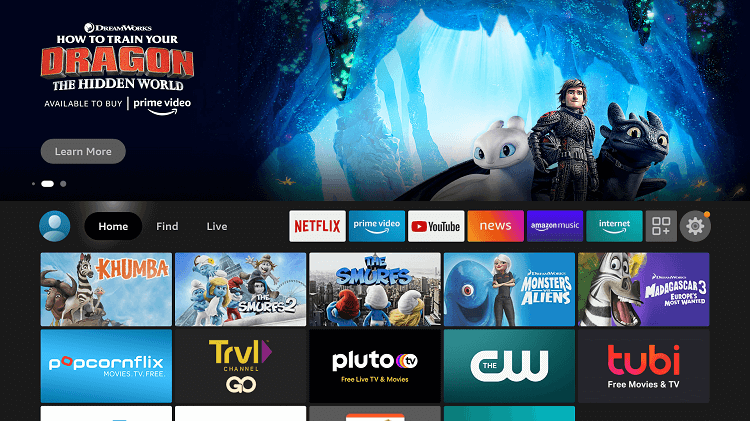
Step 1: Open Firestick Home
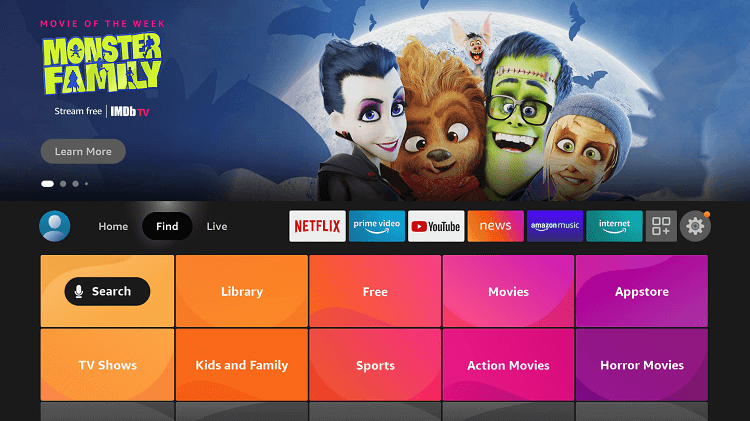
Step 2: Select the Find menu
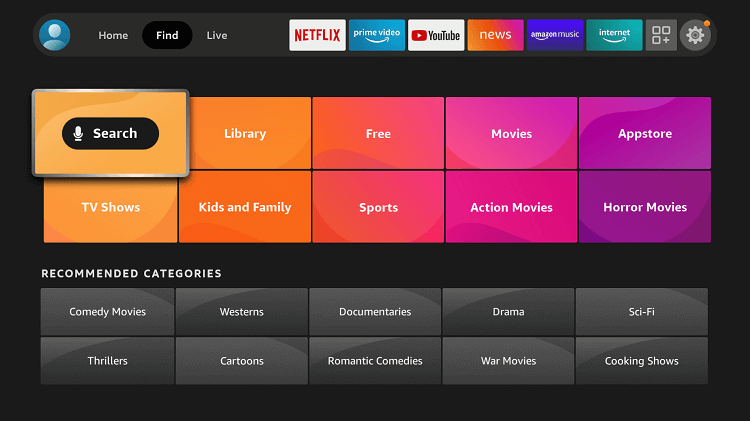
Step 3: Click on the Search option
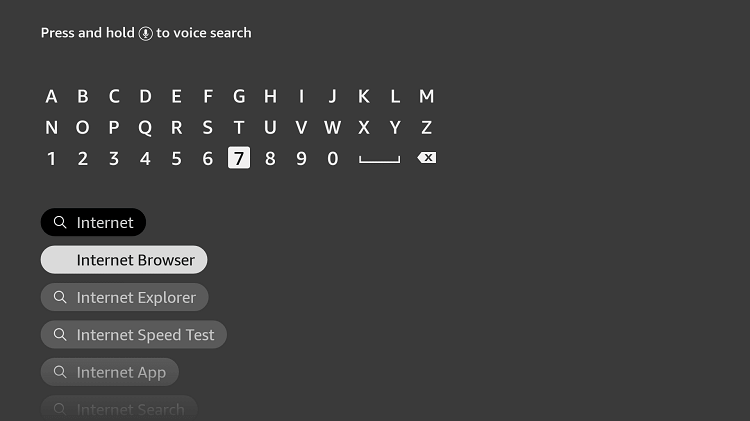
Step 4: Type “Internet Browser” and select it from the list
Step 5: Select the Internet icon when the below screen appears
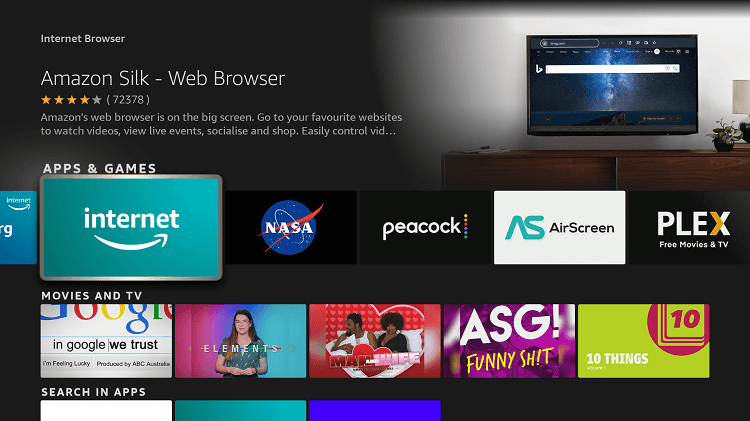
Step 6: Click on “Download” and wait for the app to install
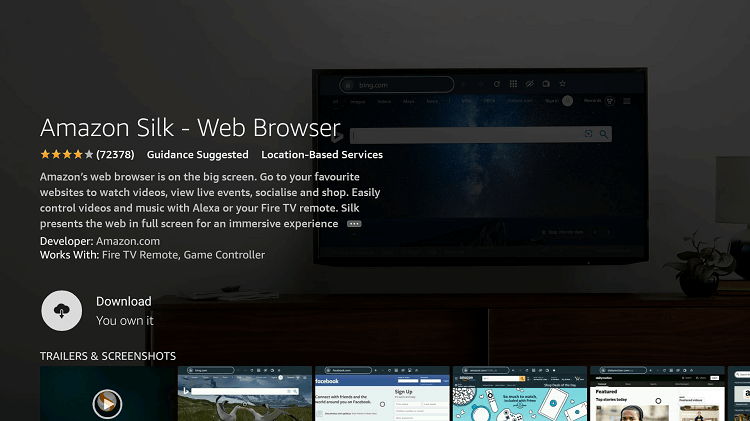
Step 7: Wait until the download is completed
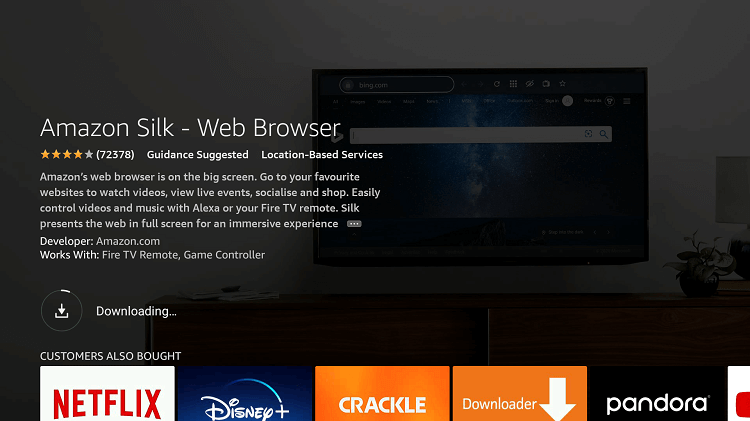
Step 8: If you’re from outside the US, you need to install Surfshark and connect to the US server to bypass geo-restrictions.

Step 9: Select Open to access the installed browser
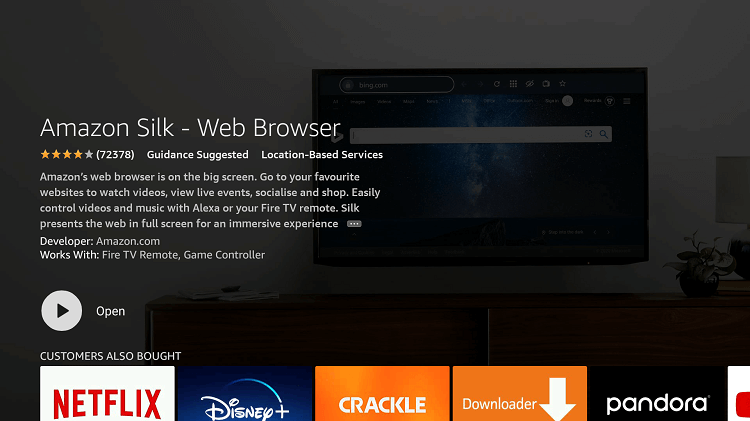
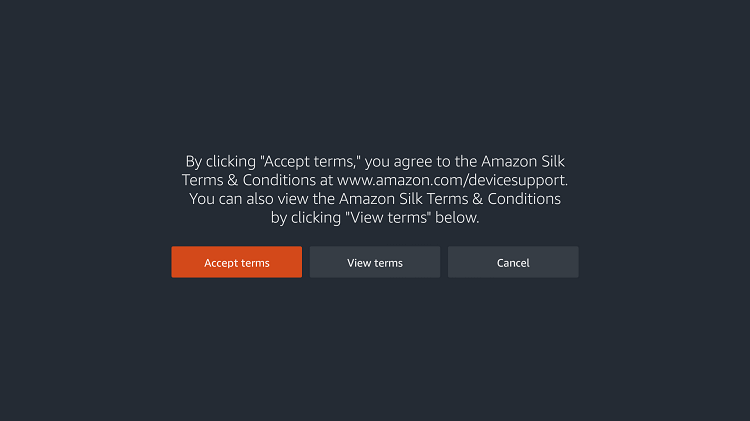
Step 10: Once the browser opens, click on Accept Terms
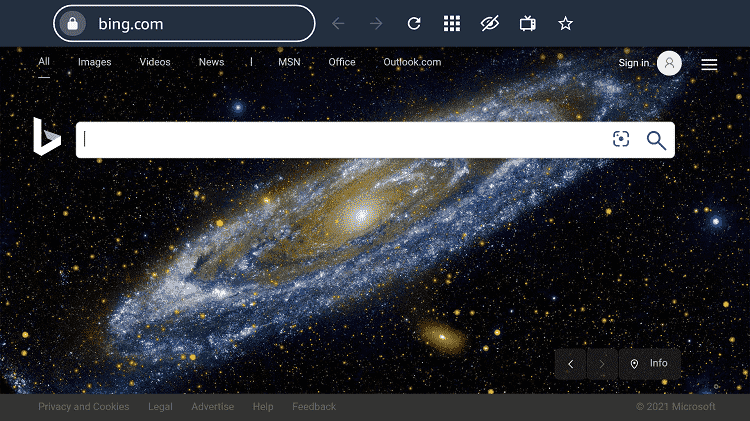
Step 11: By default, the Bing.com tab would be open
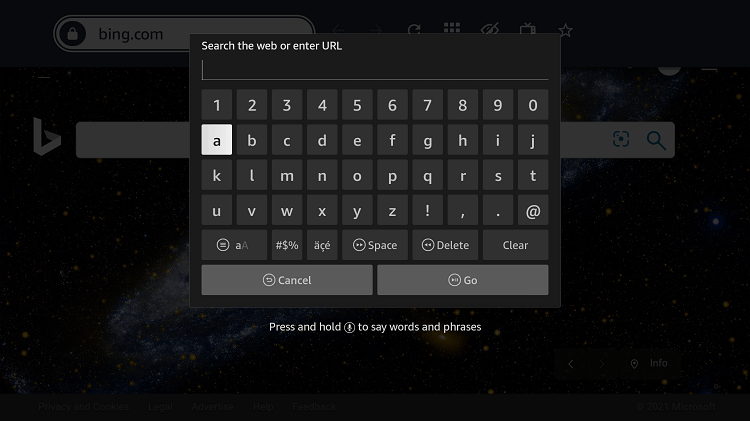
Step 12: Type in the URL section https://newson.us/liveNow and click GO
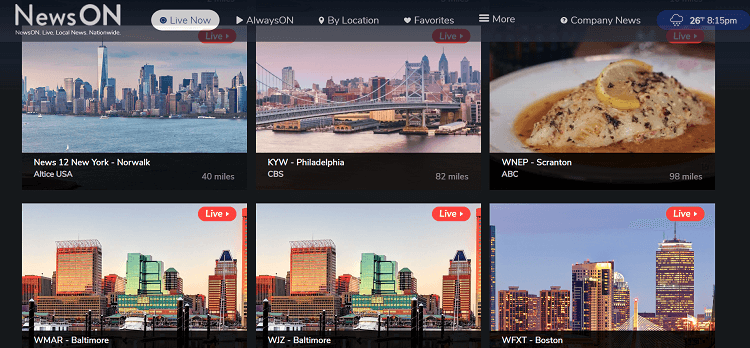
Step 13: This is the interface of the NewsON Website
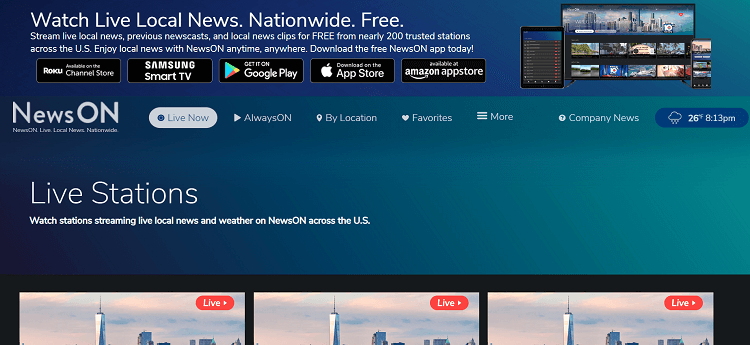
Step 14: Scroll Down and choose which area’s news you want to watch, you can even search it by Location tab.
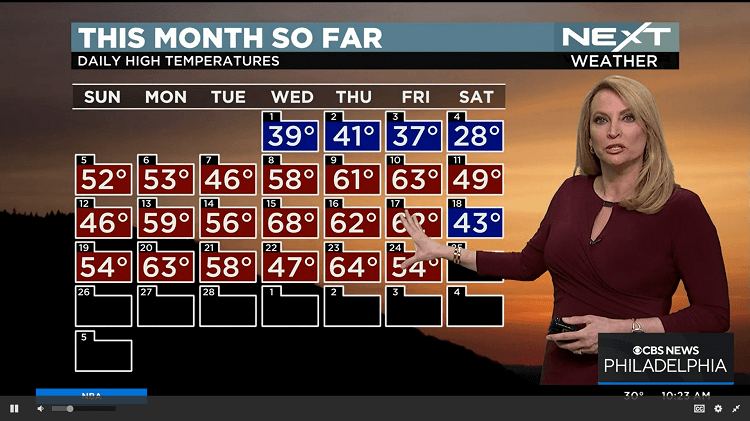
Step 15: Choose any and enjoy streaming…!
Install and Watch NewsON on FireStick using Amazon App Store
NewsON can easily be downloaded by Amazon App Store and other app stores as well, but before doing so you must install and use SurfShark VPN on firestick.
Just follow these steps to install NewsON on FireStick:
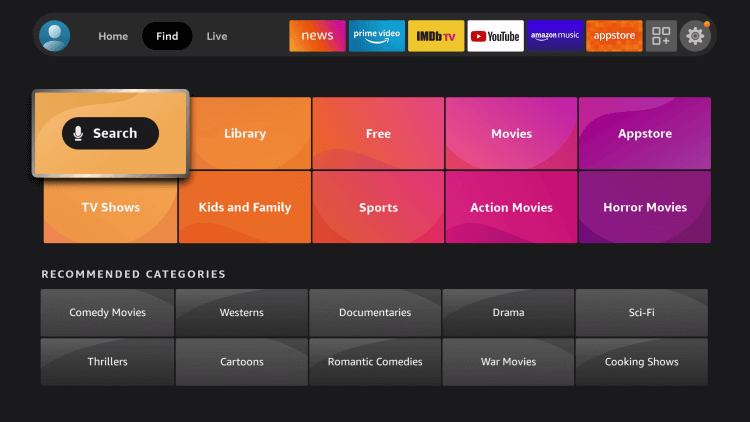
Step 1: Open your FireStick Device
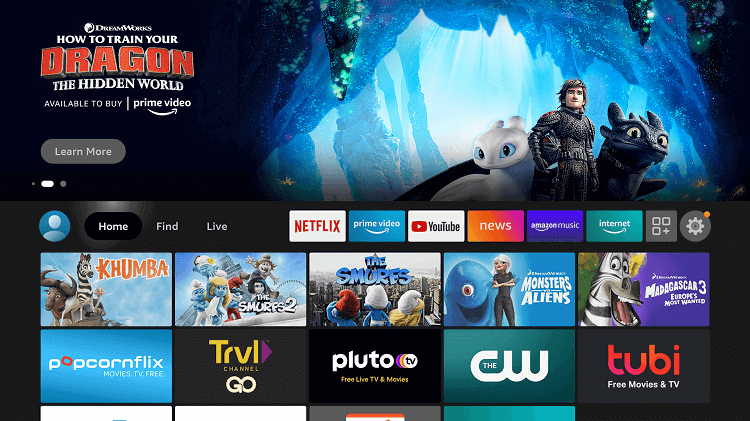
Step 2: Click on the Find tab
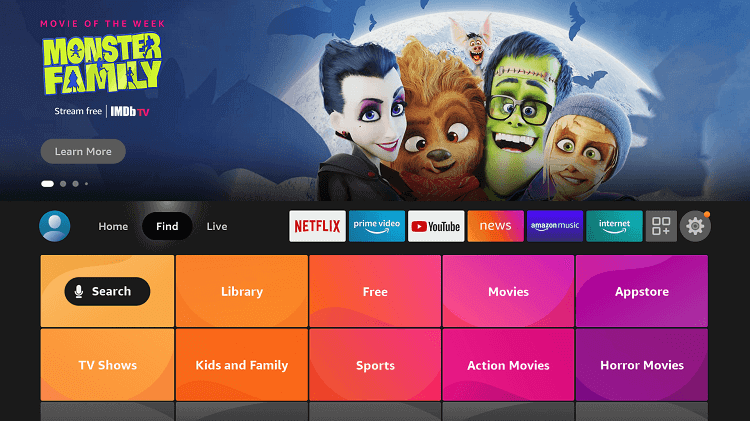
Step 3: Click Search
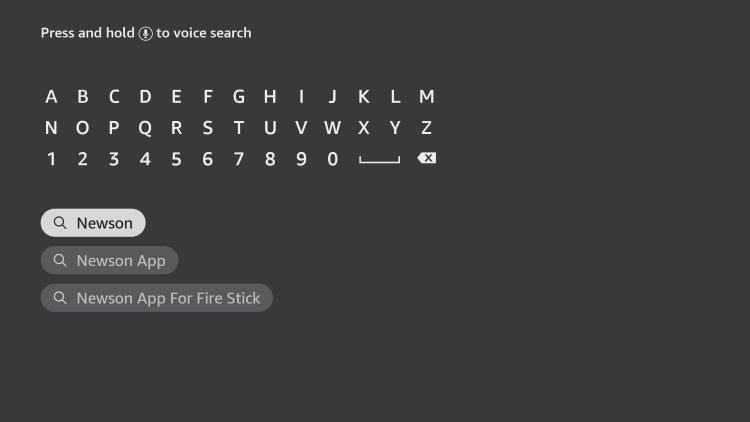
Step 4: Type and select NewsON
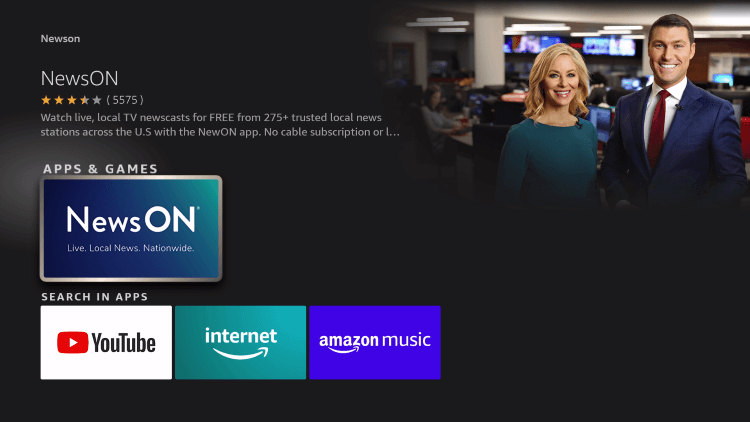
Step 5: Choose the NewsON app
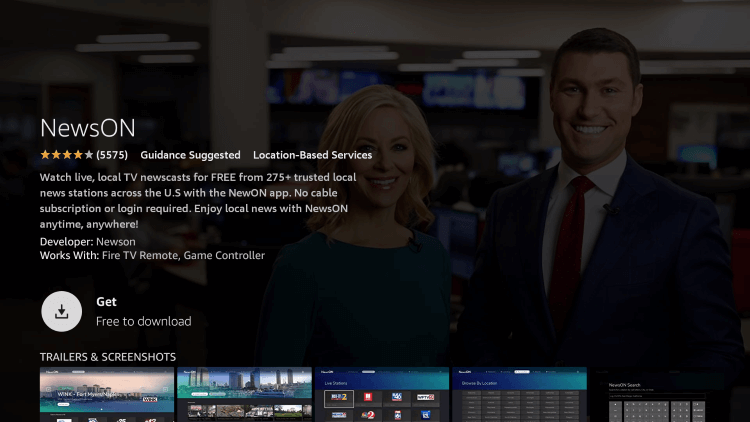
Step 6: Hit the Get button
Step 7: Wait for the app to download
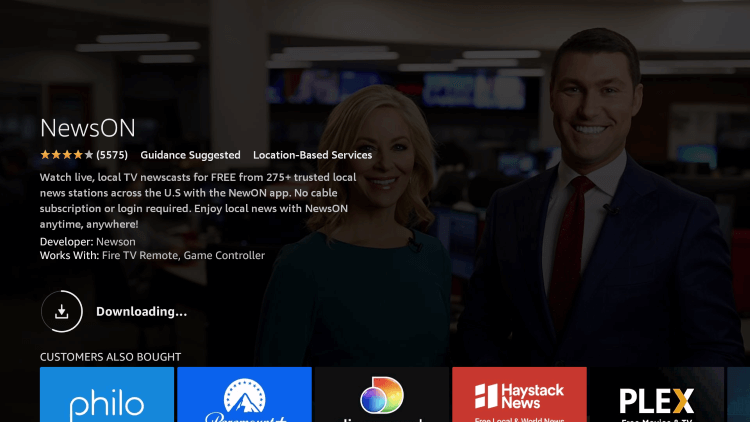
Step 8: Click Open
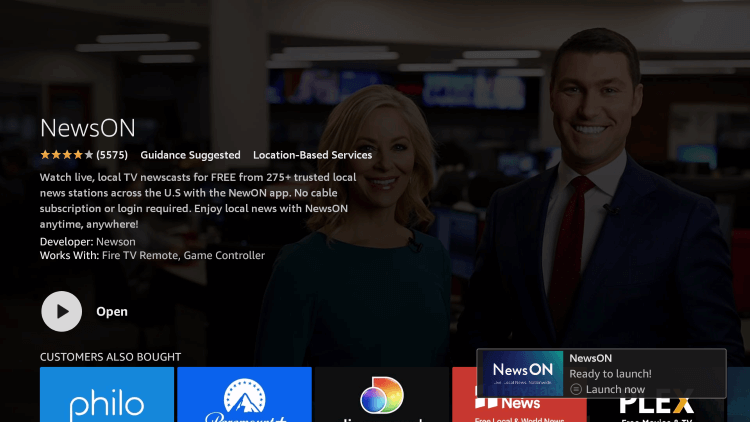
Step 9: The app is now launched and ready for use

Step 10: Here you can see the thumbnail of various News Channels across the US, choose anyone to watch
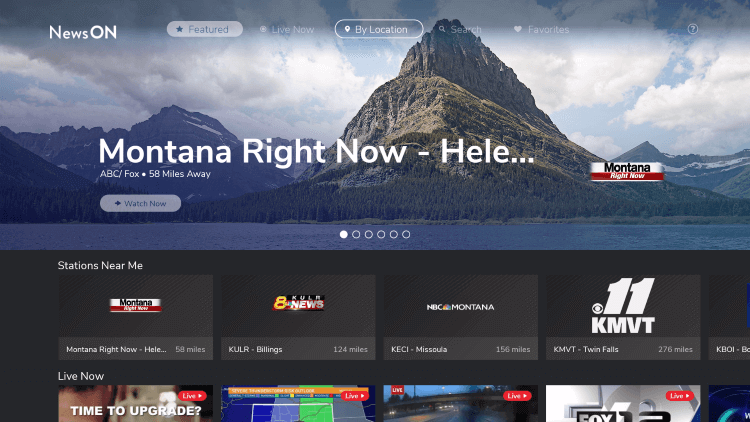
That’s It…! Enjoy and keep us updated!
NewsON Features
NewsON is a Local News hub from where you can watch all the Live and On-demand News across the US. It has over 200 market locations inside the US. It covers everything including Sports, Business, Stocks, Entertainment, Politics, and a lot more.
NewsON also allows you to watch major TV networks channels like ABC News, CBS, FOX, NBC, and PBS as well.
The NewsON company claimed that they have surpassed 80,000 hours of watch time every day, which is amazing.
You can also connect your social account to the NewsON website for quick connecting with daily updates. It is available on various devices like Android, Fire TV, FireStick, Roku, Apple, and many more.
Areas of NewsON
NewsON covers 200+ areas of the United States, following are some major areas that are available on NewsON service.
If you want the complete list of 200+ areas with News channels, check this: “NewsON Stations List“
- Atlanta, GA
- Dallas, TX
- Washington DC
- Boston, MA
- Phoenix, AZ
- Seattle, WA
- Minneapolis, MN
- Miami, FL
- Denver, CO
- Nashville, TN
- Cincinnati, OH
- Las Vegas, NV
- St Louis, MO
- Chicago, IL, and more
Alternatives to NewsON
If you’re a News Freak and want to be updated with all the current issues and social affairs of the world, you can enjoy all this on Firestick. Here’s a list of some alternative News apps:
- RT News on Firestick
- Local News Channels on Firestick
- Local Now on Firestick
- VUit App on Firestick
- Haystack News on Firestick
FAQs – NewsON
What channels are available on NewsON?
NewsON has almost 275 local news options from ABC, CBS, FOX, and more.
On which devices NewsON can be Installed?
The NewsON app is available on Firestick, Roku, Android, Apple, and more.
NewsON currently has over 275 News Channels in 200 markets for streaming across the entire United States.
Who is NewsON owned by?
Conclusion
NewsON is the best platform to keep yourself aware of every news in the US. It shows news from every field of interest whether it is concerned with sports, celebrities, Politics, Entertainment, or else.
The NewsON app is available on the Amazon Store so you won’t have to sideload it on your FireStick. But since this app is only available in the US, people residing outside of the US will have to use Surfshark is our top choice.