Disclosure: Our experts test apps for security before recommending them. If you buy through our links, we may earn a commission. See how it works.
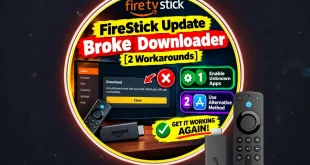
Amazon has removed Downloader from the Amazon Appstore. When you search for the Downloader app, FireStick only shows the Downloader Browser (Don’t Install It)👇

The developer has clarified that this is likely a temporary suspension, not a permanent removal.
⚠️ If you have already installed the Downloader app, DON’T UNINSTALL. It is working fine as of 28 March, 2026.
How to Install Downloader APK Using FireSend
Fortunately, you can still install Downloader via FireSend app (available on Amazon Appstore) 👇

Follow the steps below to use FireSend to install the Downloader app:
Step 1: After installing the FireSend app on FireStick, don’t launch it. Go to FireStick “Settings”.

Step 2: Tap “My Fire TV”.

Step 3: Click “Developer Options”.
P.S. If you don’t see “Developer Options”, click Fire TV Stick 7 times quickly. Now you will see the pop-up “No need, you are already a developer.”

Step 4: Go to “Install Unknown Apps”.

Step 5: Turn “ON” Unknown Apps Sources under “FireSend”.

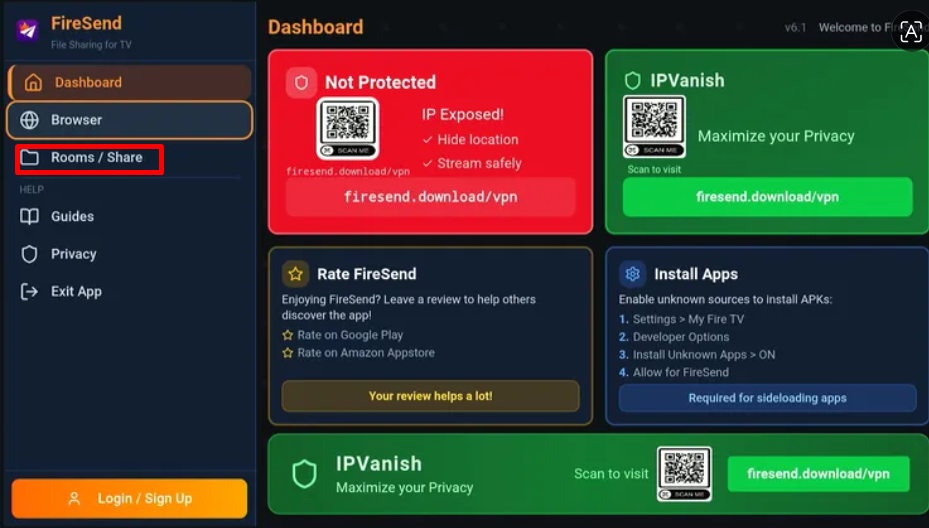
Step 6: Now launch the FireSend app. Select “Browser” from the left-side menu.
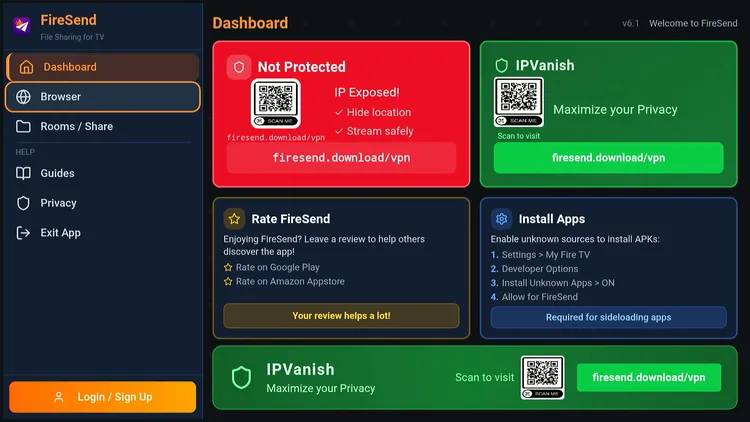
Step 7: Select “Downloader Code”.
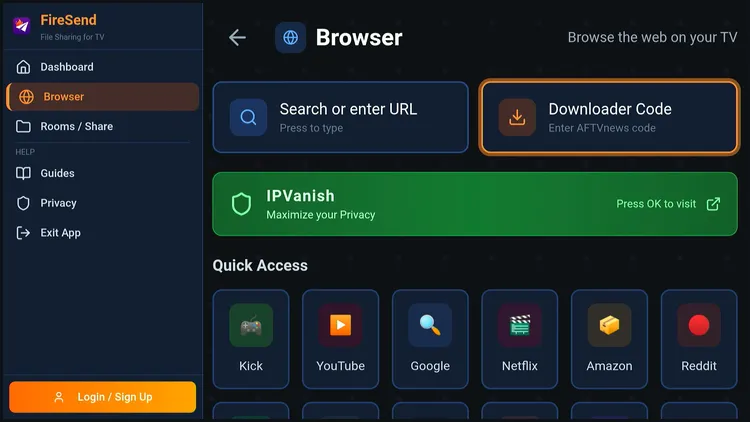
Step 8: Enter the Downloader code 730116 and click “Next”.
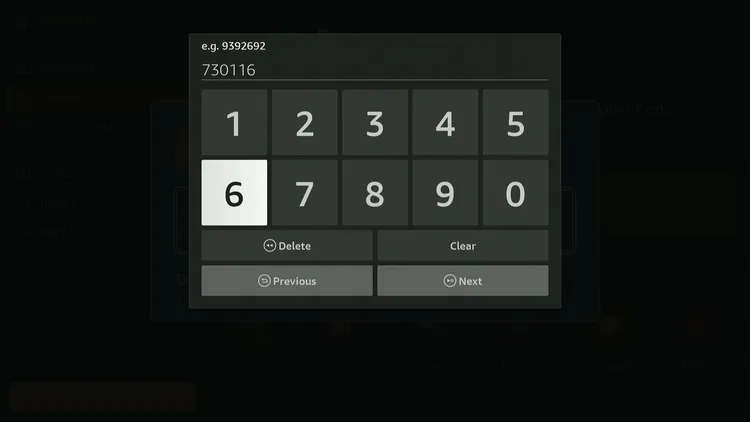
Step 9: Scroll down to the “Utility Apps” section and click “Downloader”.
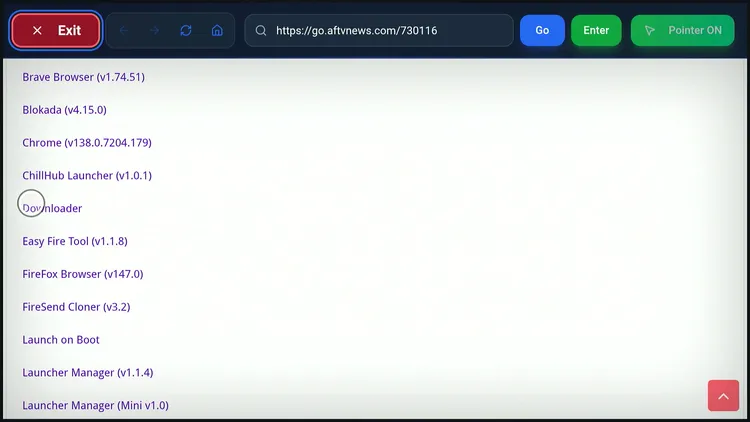
Step 10: Click “Install”.
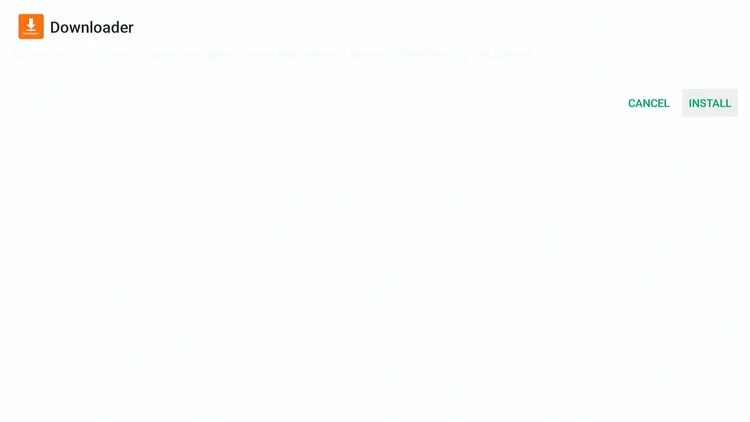
Step 11: After installation ends, click “Done”.

Step 12: If downloade code does not work, click “Search or enter URL” and type Firestickhacks.com/downloads
Step 13: You can also click “Rooms/Share” and enter our room code JOSEPH to access the Downloader app or our entire app library.
Best Downloader Alternatives (If It Doesn’t Come Back)
Let’s be real! Amazon is tightening control over sideloading.
So it’s smart to have backup options 👇
1.Send Files to TV
This is one of the easiest ways to transfer APK files from your phone to FireStick.
Why it’s great:
- Super simple setup
- Wireless file transfer (no cables needed)
- Works on both Android and Fire TV
Check out the Video Tutorial
2. Easy Fire Tools
If you have an Android phone, this app gives you full control over your FireStick.
Key features:
- Install APKs directly from your phone
- Manage installed apps
Check out the Detailed Guide HERE
3. atvTools
This is a more powerful tool designed for users who are comfortable with advanced setups.
What it offers:
- ADB-based app installation
- Deep device control
- Faster sideloading process
Check out the Detailed Guide HERE
4. LocalSend
LocalSend is a modern file-sharing tool that works across multiple platforms.
Why people love it:
- No internet required (local network only)
- Works on Android, Windows, and more
- Clean and easy interface
Check out the Detailed Guide HERE
Why Did Amazon Remove the Downloader App?
According to the developer, this is likely a temporary suspension, not a permanent ban.
📌 The Real Reason
The issue seems to be caused by:
- The recent Version 2 update
- Downloader registering itself as a browser
- Ability to open links directly from other apps
👉 This likely triggered Amazon’s automated policy enforcement.
Fix Already Submitted (v2.0.2)
Good news:
The developer has submitted a fix with a new update (version 2.0.2).
Amazon usually takes a few days to review updates, so the app is expected to return soon.